
What Offer Bot does
Offer Bot turns a blank Agreement of Sale (or similar purchase agreement) into a reusable template. You place only the fields that need to be filled, map them to MLS listing data, and send priced offers to listing agents from a saved property list.
The filled PDF is attached to an email from offers@revamp365.ai. Your full name is the sender name, your email is Reply-To, and you are CC'd by default so you can follow up from your inbox. Every send is recorded in Offerbot Logs.
How the screens fit together
Open Offer Bot from the sidebar. Four tabs:
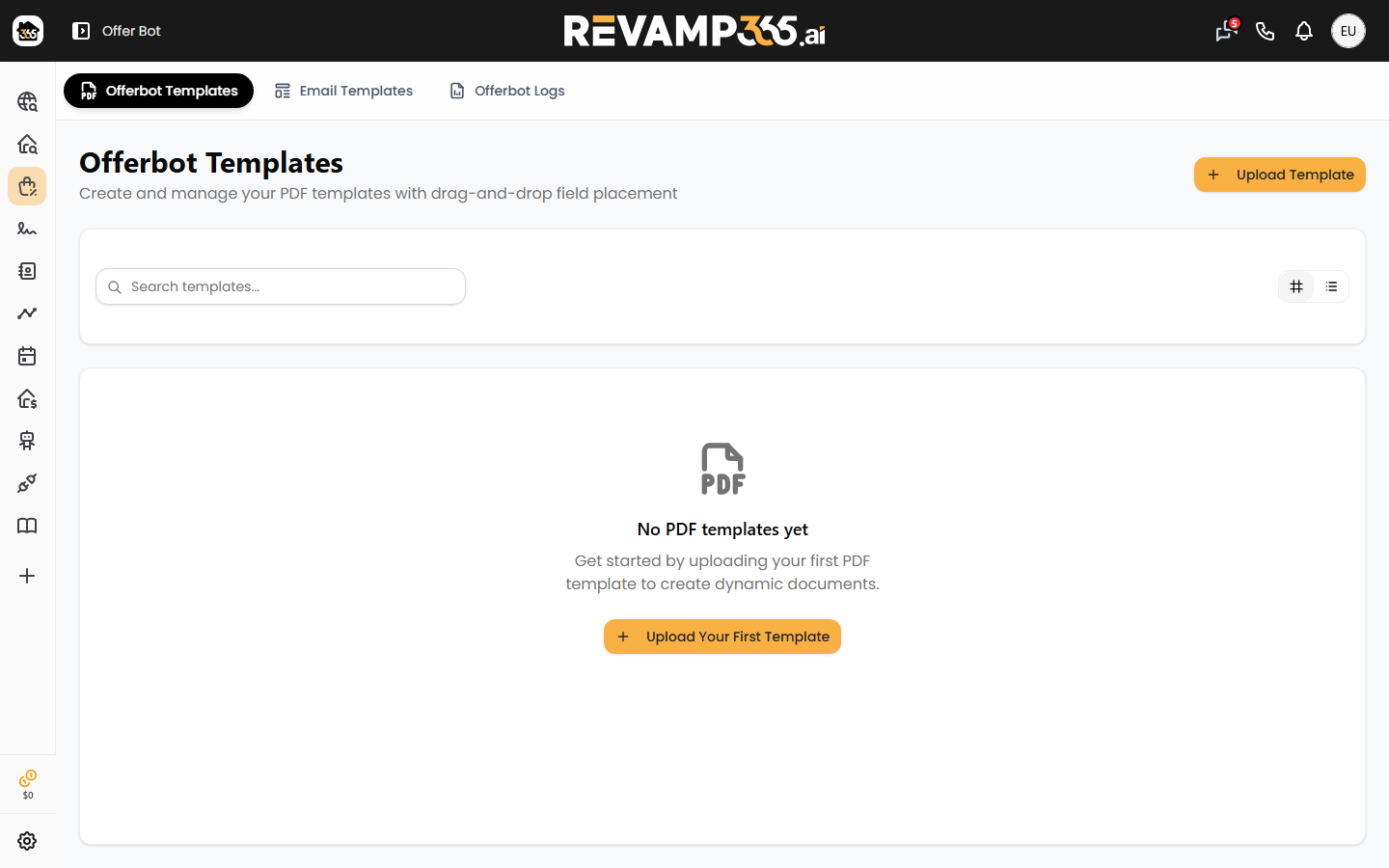
- Offerbot Templates — upload the blank PDF, place fields, and map them to listing data.
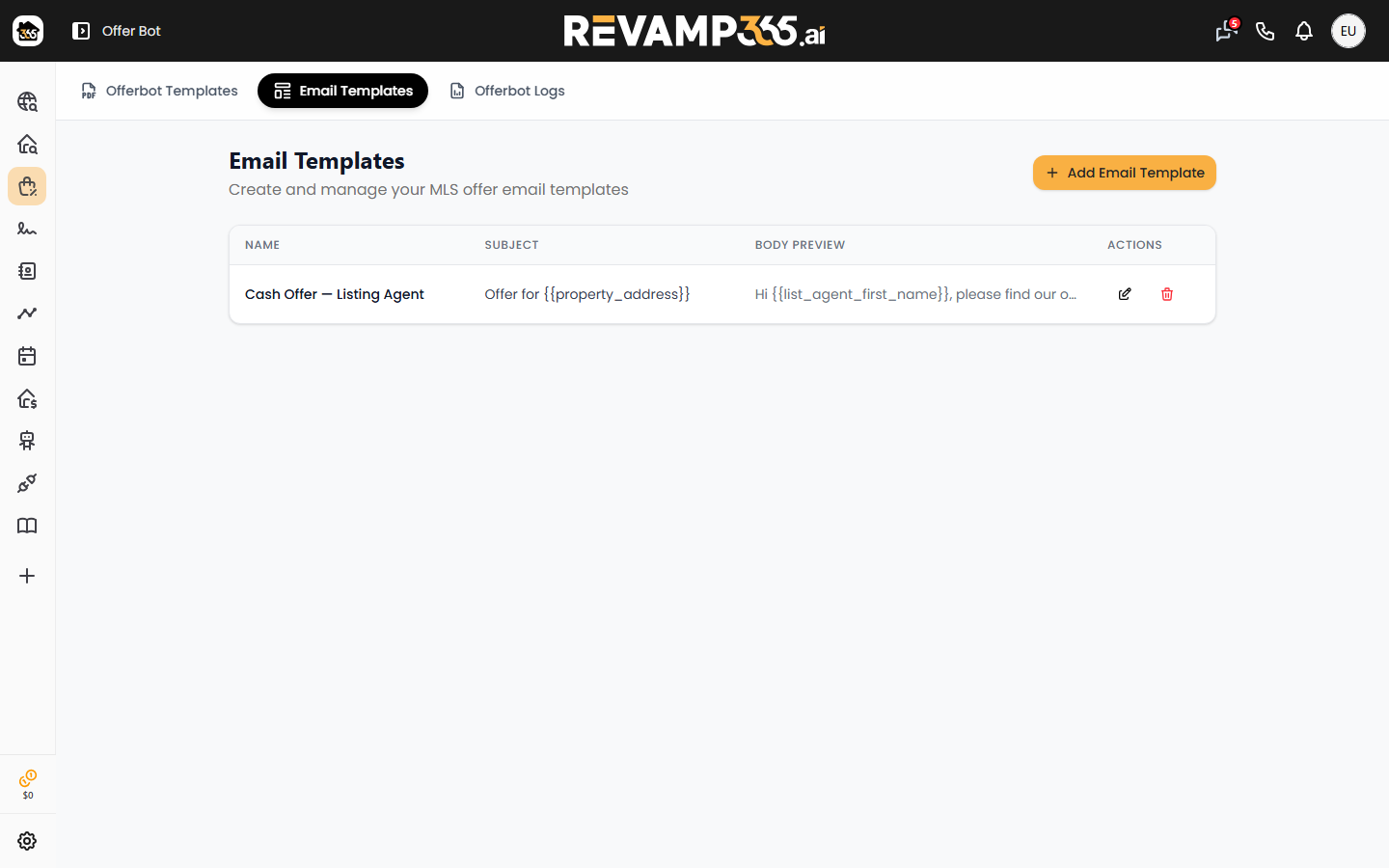
- Email Templates — the cover email that carries the attached agreement.
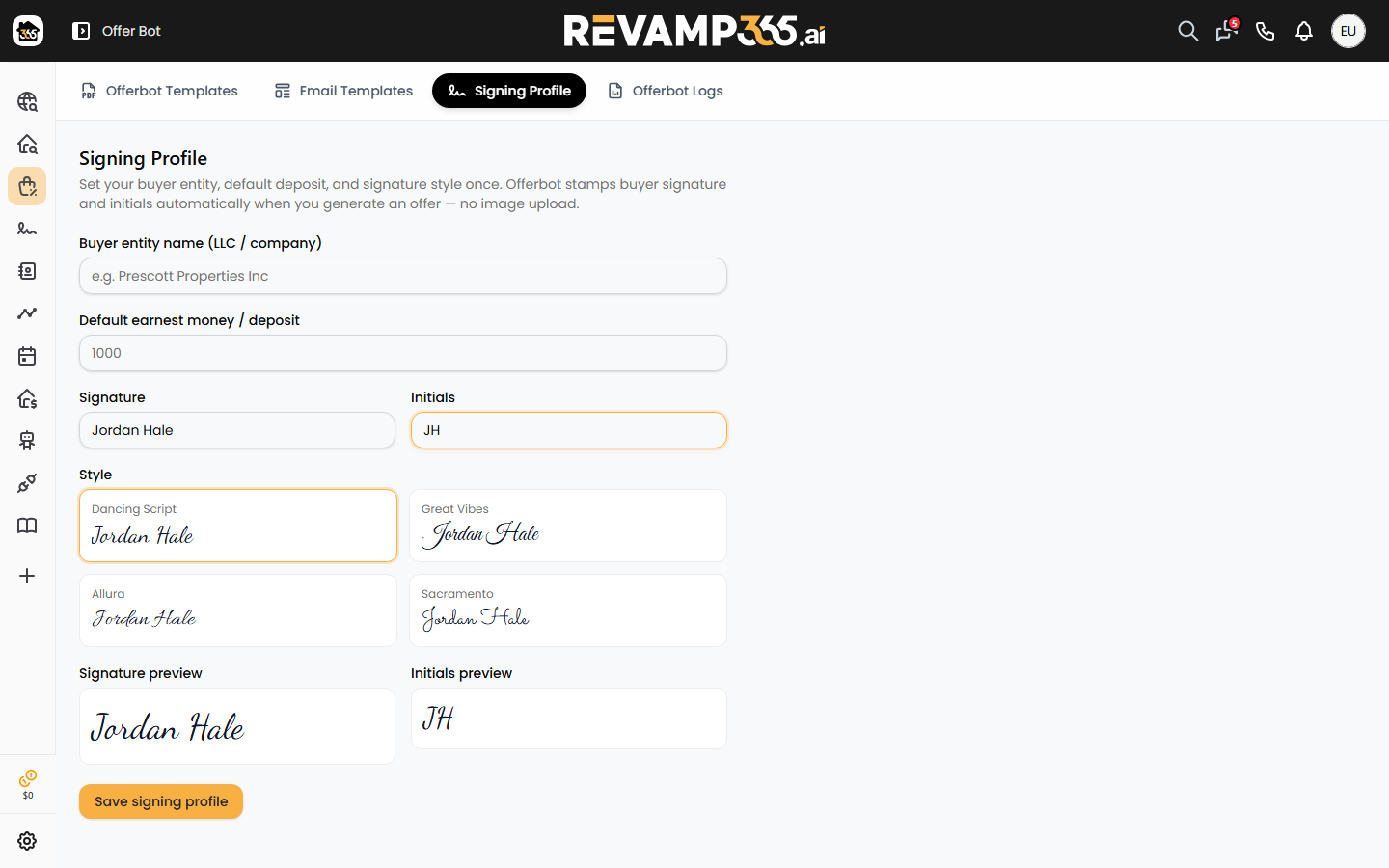
- Signing Profile — buyer entity, default deposit, and the signature / initials stamp used when an offer is generated.
- Offerbot Logs — every offer email that went out.
The send UI itself is not a tab. It opens from Property Search after you add listings to a saved list and click Automated Offers.
Setup once
1. Upload a blank agreement
Use the official blank Agreement of Sale (or equivalent) for your state. Do not pre-fill buyer names, deposits, or signatures in Adobe first.
See Upload a fillable PDF offer template.
2. Place only the fields that get filled
In the PDF editor, add text boxes, checkboxes, and signature / initial stamps for values that actually change on a standard offer. You do not need a field on every blank line of the form.
AI field detection is optional. Use AI Detect Fields if you want a first pass; otherwise place fields yourself and save.
3. Map those fields to listing data
On the template card, click Mapping. Each placed field can pull a value from the MLS listing — the same fields and values that appear on public listing pages — plus offer-specific values such as offer price and deposit.
See Map offer PDF fields.
4. Create an email template
Write the subject and body once with merge tags such as {{property_address}} and {{offer_price}}.
See Write an Offer Bot cover-email template.
5. Create a signing profile
Set buyer entity, default deposit, and the typed signature / initials style. Offer Bot stamps those onto buyer signature fields when you generate a PDF.
See Set up your signing profile.
Send offers from a saved list
- Open Property Search (MLS).
- Add the listings you want into a saved list.
- With that list selected, click Automated Offers.
- Choose your PDF template and email template.
- Enter an Offer Price on each row you intend to send.
Then either:
- Click the PDF icon to generate and spot-check the filled agreement.
- Click the mail icon to preview the merged email (listing-agent To, merged body, attached AOS) and send one.
- Price the rows you want and use bulk send.
See Generate an offer from an MLS listing.
After you send
Emails come from offers@revamp365.ai with your full name as the From name. Reply-To and CC default to your account email (or the company email on your profile if you set one). If you route Offers through a connected inbox, the message goes from that address instead and the platform CC is dropped.
Open Offerbot Logs to see the recipient, price, subject, and whether the send succeeded.
See Review sent offers in Offerbot Logs.
Related eSign articles
If you also use RevampSign packets (a separate signing flow), see Place signature and initial blocks, Send and track packet status, and Resend or cancel a packet.