
Offer Bot turns listings in a saved MLS list into priced offer PDFs and emails them to the listing agent. You set the number, pick your templates, and Revamp365 merges listing data, attaches the filled agreement, and logs the send.
Before you start
- Your plan must include Offer Bot. Free accounts are blocked; Starter sees an upgrade prompt; Pro, Scale, and Dealmaker have access.
- Build at least one PDF template with field mapping and one email template.
- Optional: set your signing profile so buyer stamps fill on generate.
- Have a saved property list. Automated Offers uses the list selected on Property Search.
Add listings to a saved list
- Go to Property Search (MLS).
- Add the properties you want to a saved list (or select an existing list in the left rail).
- With that list selected, the Automated Offers button appears above the results.
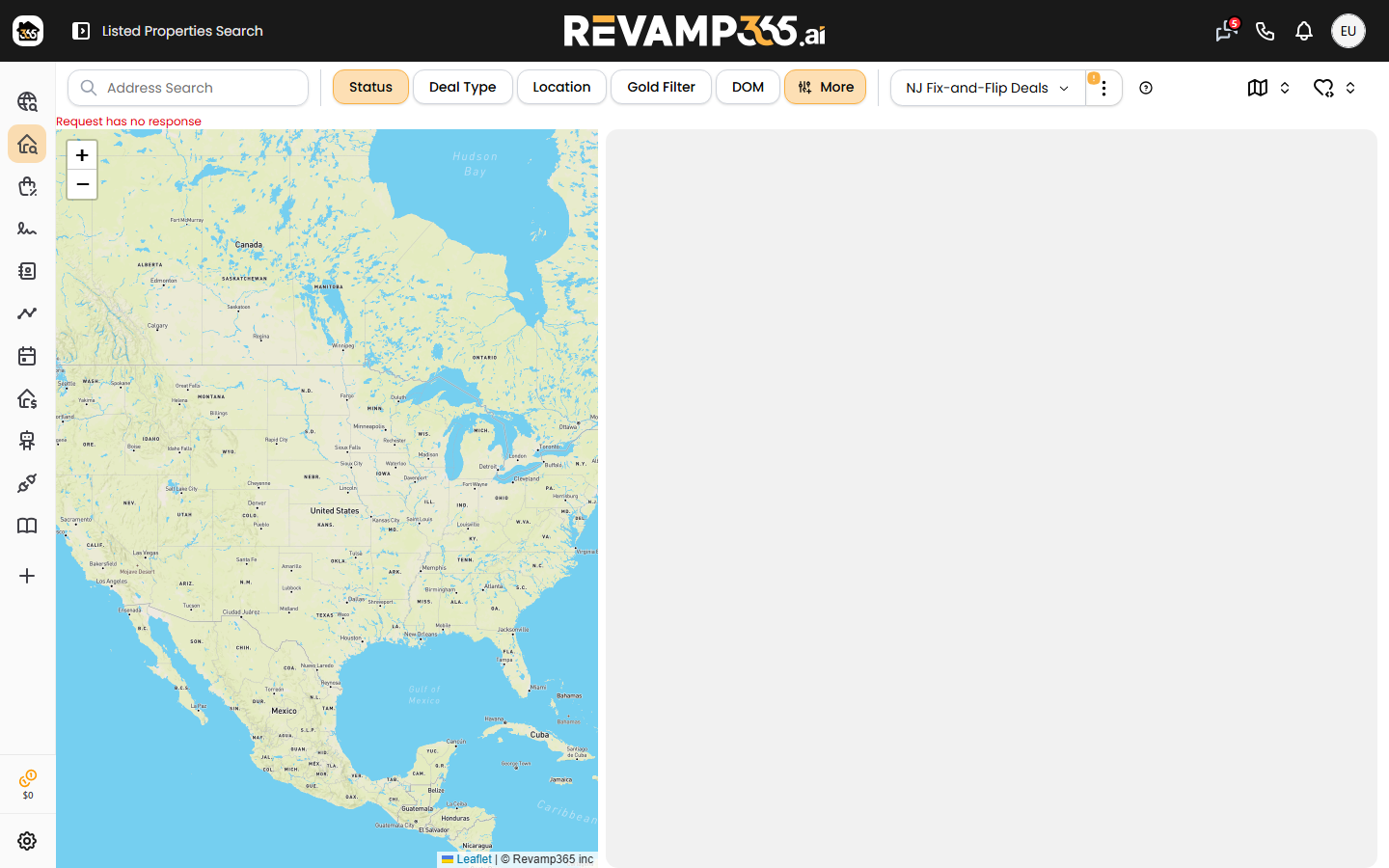
Open Automated Offers
Click Automated Offers. The full-screen MLS Offer dialog lists every property in that saved list. The property table stays blurred until you choose both templates at the top.
Pick templates and price each offer
- Under Template Detail, select a Template (your offer PDF) and an Email Template.
- Optionally add a PDF Name Suffix to tag each generated file.
- In each row, type your Offer Price. Offer Bot shows the amount spelled out and an Offer Price Ratio (your offer as a percent of list price).
Spot-check, then send one or many
For a single listing:
- Click the PDF icon to generate and download the filled agreement so you can spot-check it.
- Click the mail icon to open Send Offer Email. To auto-fills with the listing agent's email. The subject and body come from your template with listing fields merged in. The filled AOS is attached.
- Confirm the PDF generated (Send stays disabled until it has), then send.
To send several at once, enter an offer price on each row you want, select those rows, and click Send Bulk Offer Mails. Offer Bot warns you if a selected MLS number is missing a price.
What the agent receives
By default the email comes from offers@revamp365.ai. The From name is your full name. Reply-To and CC default to your account email (or company email if you set one). If you route Offers through a connected inbox, the message goes from that address and the platform CC is dropped.
Each send is recorded under Offerbot Logs.