
Offer Bot turns your own purchase agreement into a reusable, auto-fillable document. Upload a blank official state association PDF (for example an Agreement of Sale). You do not need to prefill buyer name, deposit, initials, or signatures in Adobe first.
Before you start
- Offer Bot requires a Pro+, Scale, or Dealmaker plan. Free and Starter accounts see an upgrade prompt instead of the uploader.
- Your phone number must be verified on your account.
- Have the blank contract ready as a standard PDF.
- Optional: open Offer Bot → Signing Profile first so buyer stamps fill automatically later.
Open the uploader
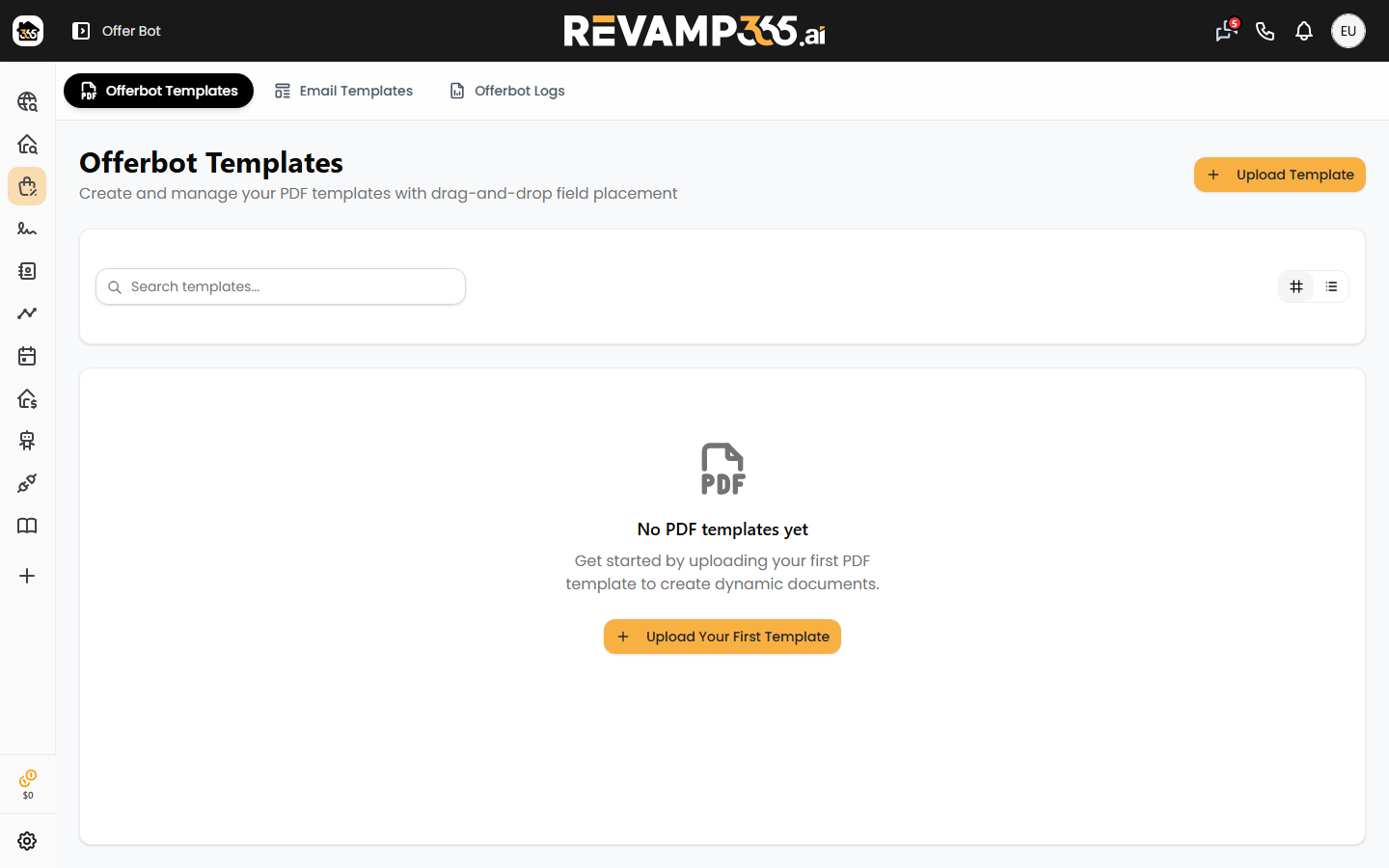
- In the left sidebar, click Offer Bot.
- Select the Offerbot Templates tab.
- Click Upload Template in the top-right corner. (If you have no templates yet, use Upload Your First Template.)
Upload your PDF
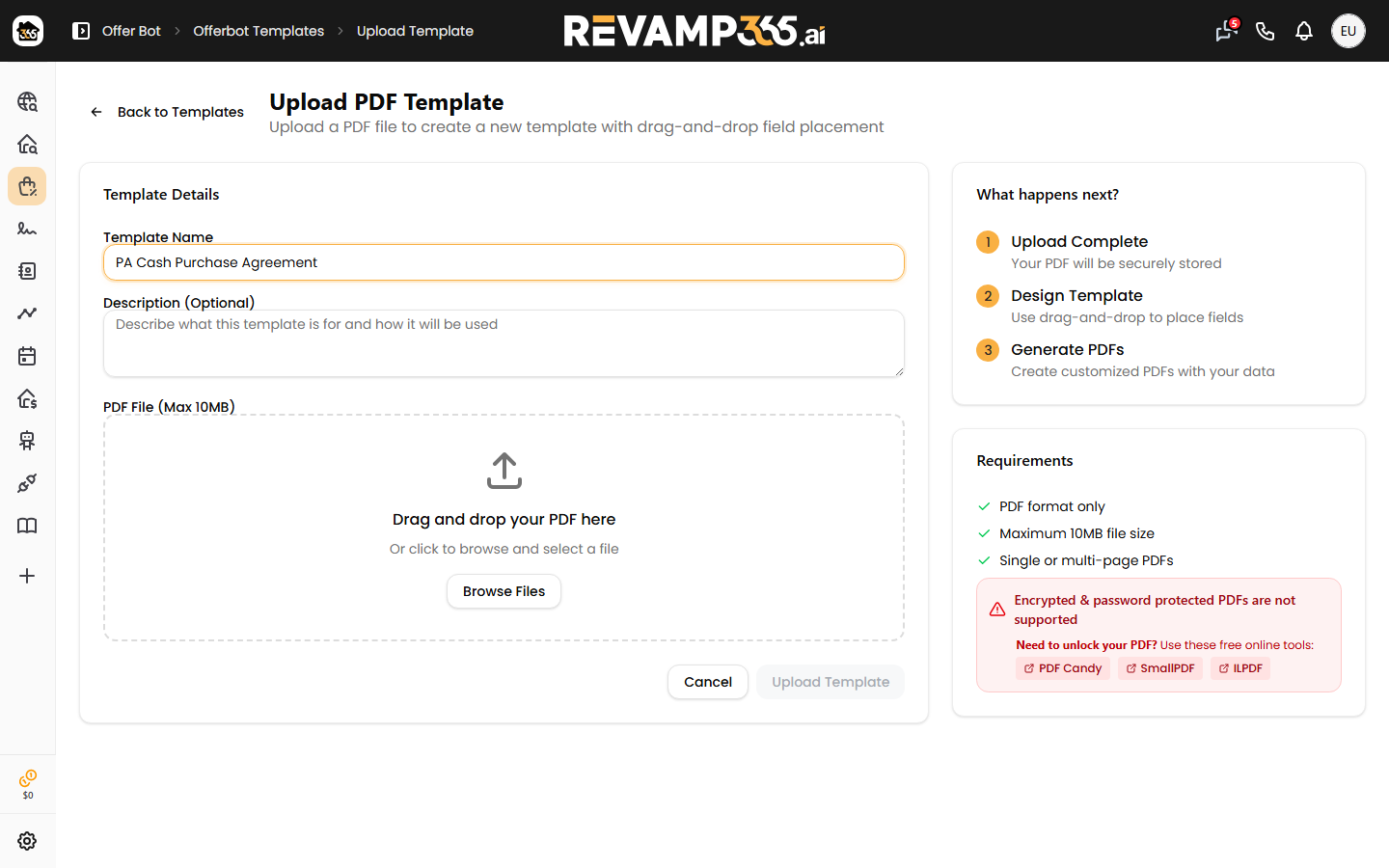
- Enter a Template Name — for example, "PA Cash Purchase Agreement." If you leave it blank, the name auto-fills from the file name.
- Optionally add a Description.
- Drag your PDF into the dashed drop zone, or click Browse Files.
- Confirm the file name and size appear, then click Upload Template.
A progress bar runs while the file uploads. You then land in the editor. Field detection does not start on its own.
If the PDF already has native fillable AcroForm widgets, Offer Bot imports those. Flat / blank association forms open as a quiet canvas.
Place only the fields that need to fill
In the editor, add text boxes, checkboxes, dates, and signature / initial stamps for values that change on a standard offer. Skip lines that stay blank or are filled later by an attorney or title company.
You do not need a field on every blank on the form.
Optional: AI Detect Fields
The toolbar AI Detect Fields button is optional. Click it only if you want Offer Bot to scan the form and suggest placements. You can still move, delete, or add fields after a scan finishes.
Re-run AI Detect Fields anytime for a fresh pass. Apply PAR defaults is a separate, also-optional layout helper for Pennsylvania association forms.
When the layout looks right, click Save.
File requirements
- Format: PDF only
- Maximum size: 10 MB
- Pages: single- or multi-page
- Encryption: password-protected PDFs are rejected
If your PDF is locked, unlock it in a PDF tool, re-save, and upload again.
Tips for a clean template
- Upload the blank official form. Put buyer entity, deposit, and signatures in Signing Profile / offer inputs instead of baking them into the PDF.
- Use a high-quality export. Scans make placement harder.
- One contract per template (for example one per state or cash vs financed).
- After you save, map the fields you placed. You do not map blanks you never placed.
To edit later, return to Offerbot Templates and use Edit on the card.