
Once an offer packet is out for signature, you can nudge a slow signer by resending their link or pull the whole packet back by voiding it. Both actions live on the packet detail view inside Offer Bot.
Open the packet
- Go to Offer Bot in the left sidebar.
- Open the Agreements tab.
- Click the eSign row for the packet you want (offer-email rows only download; they do not open a detail view).
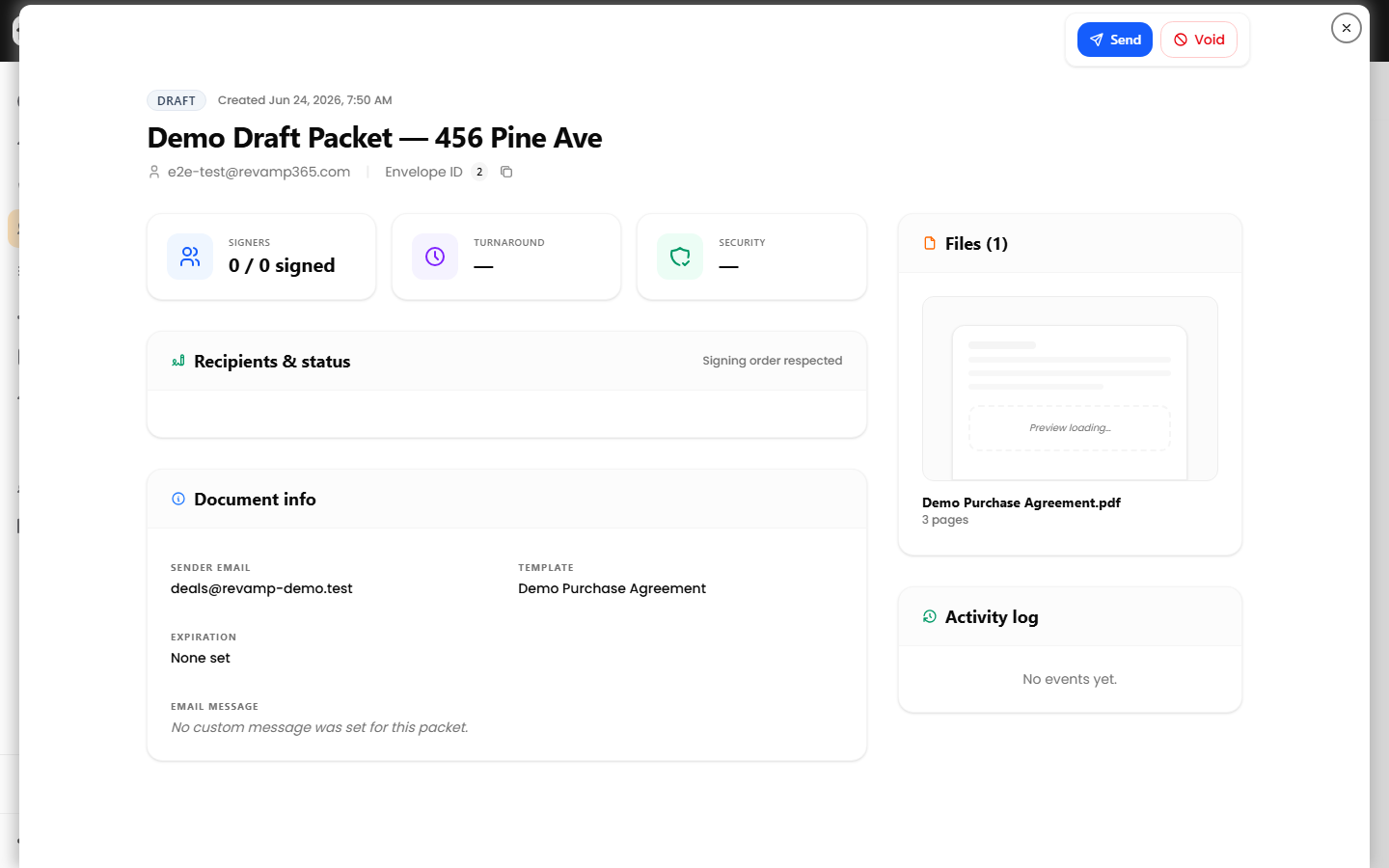
The detail dialog shows the status badge, recipients, and the Activity log that records every send, view, resend, and void.
Resend the signing link to one recipient
Each recipient is listed under Recipients & status. A Resend link button appears beneath a recipient only when their status is sent or viewed.
- Find the recipient in the list.
- Click Resend link. The button shows "Sending…" while it works, then confirms with a "Resent." toast.
What happens behind the scenes:
- A fresh, signed signing URL is generated and emailed to that recipient.
- The send is written to the Activity log as Request resent.
- If the recipient has already signed, the resend is blocked ("Recipient has already signed.").
Resend is per recipient — it does not re-notify the whole group. For sequential packets, only the current signer holds a live link.
Void (cancel) the packet
Voiding cancels the entire packet for every recipient. Use it when terms changed or you sent to the wrong person.
- Click the red Void button in the action bar.
- Enter a reason in the Reason for voiding… box (required, up to 500 characters).
- Click Confirm void.
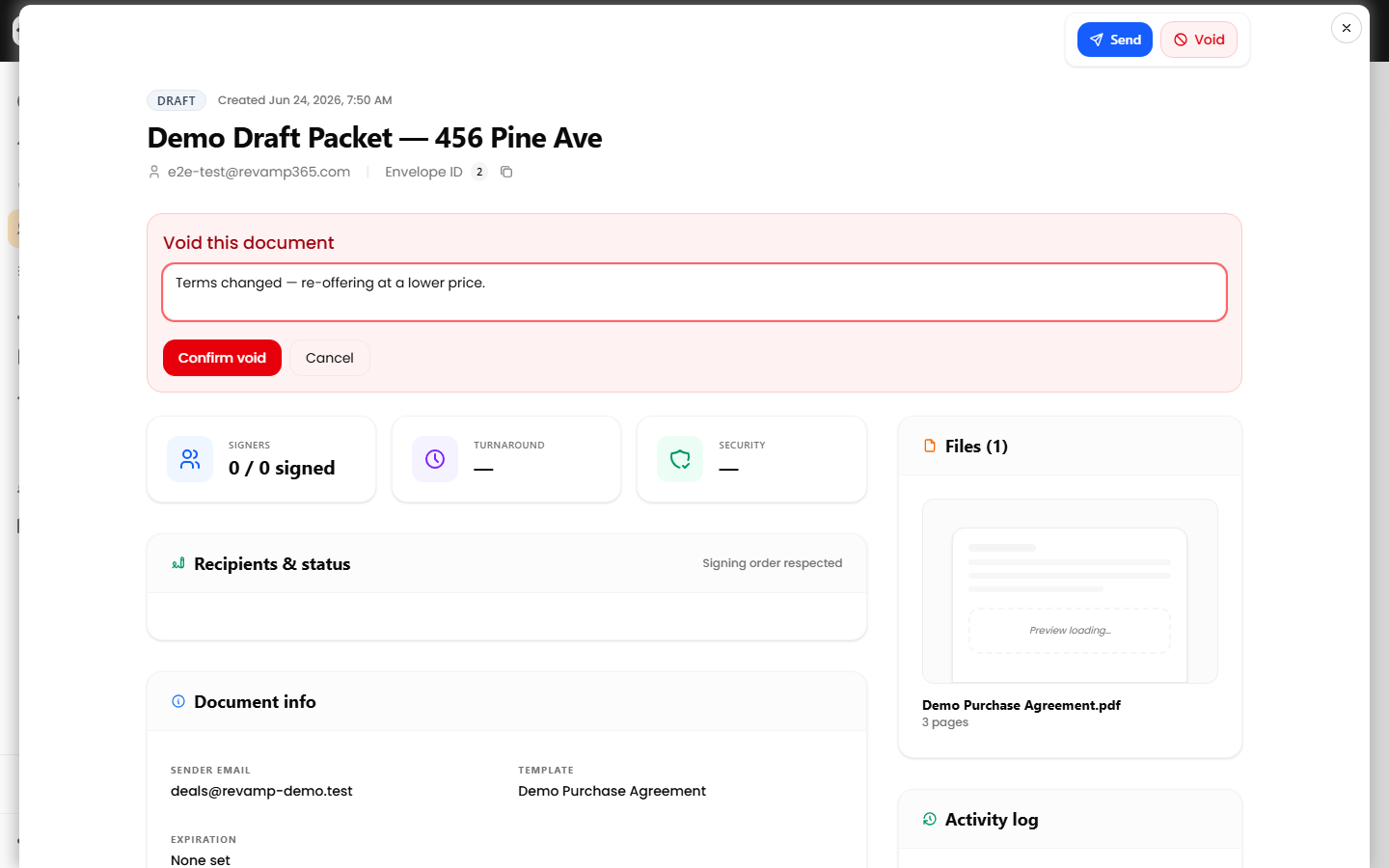
On void, the packet status becomes voided, the reason and timestamp are stored, and the outstanding signing links are invalidated so no one who has not already signed or declined can open them. The action is logged as Voided.
The Void button is hidden when the packet is completed, voided, or expired, and the server also rejects voiding a completed or voided packet.
When each action is available
| Packet status | Resend link | Void |
|---|---|---|
| draft | No (send it first) | Yes |
| sent / viewed / signing | Yes, per unsigned recipient | Yes |
| completed | No | No |
| declined | Per unsigned recipient | Yes |
| voided / expired | No | No |
Things to know
- Voiding is permanent — there is no un-void. To re-offer, create and send a new packet.
- Resent links inherit the packet's existing expiration date, so an expired packet cannot produce a working link; send a new one instead.
- A recipient who already declined keeps that status; voiding the packet does not reset it.
To review delivery and signature progress before deciding, see send and track offer packet status.