
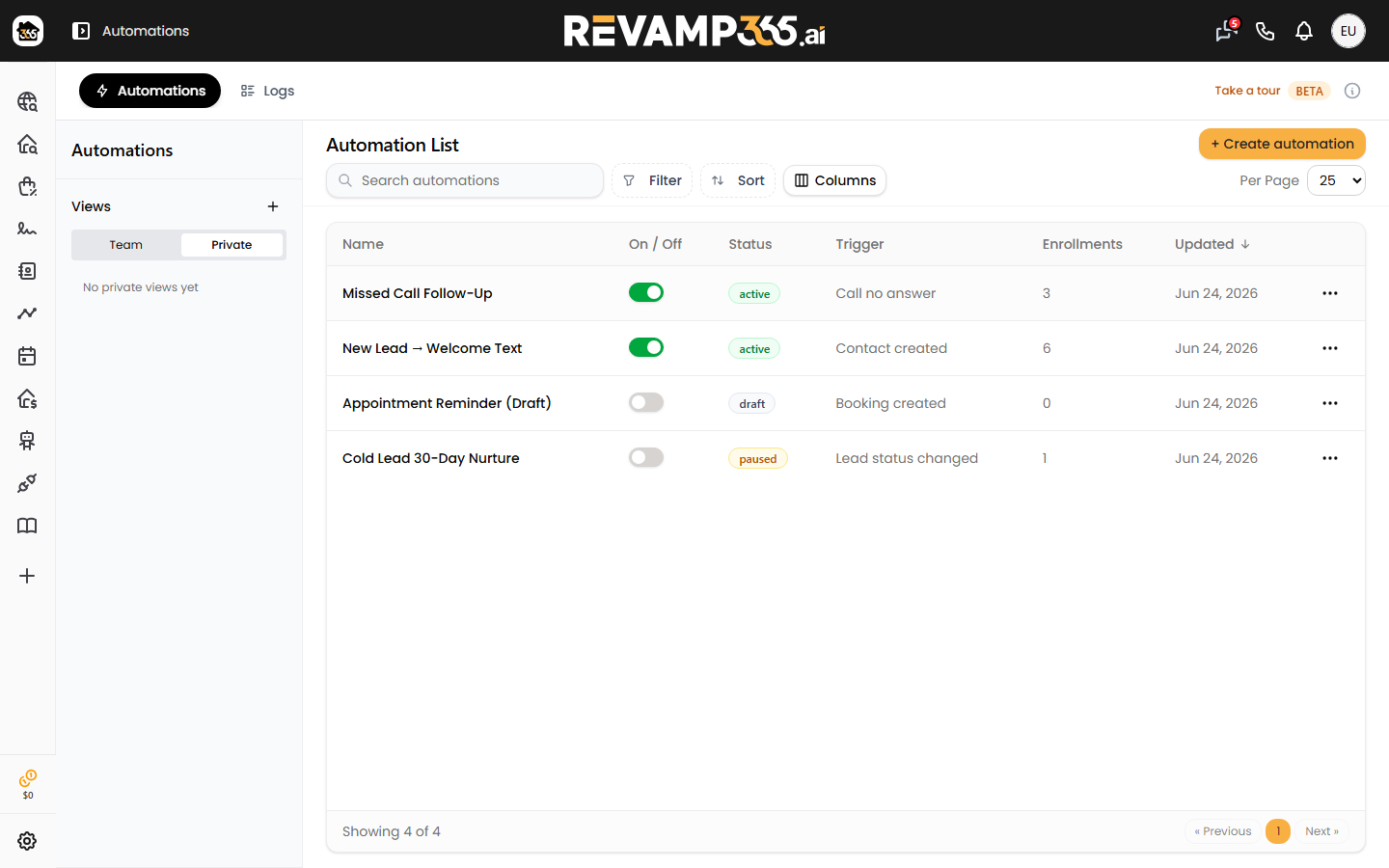
When a seller calls and you (or your AI voice agent) miss it, the lead goes cold fast. This playbook wires the call event to an automation that waits, texts, and books a follow-up task automatically.
How the chain fits together
- An inbound caller reaches your AI voice agent or your number.
- The call ends unanswered, so Revamp365 records a no-answer outcome on the call log.
- That fires the Call no answer automation trigger.
- Your automation enrolls the matched contact and runs a wait → SMS → task sequence.
For the front of the chain, point inbound traffic at an agent first: see assign an AI voice agent to an inbound number.
Build the automation
Open Automations from the sidebar (Pro+ or Dealmaker plans), then click + Create automation. The fastest start is the prebuilt No answer follow-up cadence template on the Automations tab — click Use template and it drops in this exact sequence:
| Step | Action | Default |
|---|---|---|
| Trigger | Call no answer | fires on a no_answer call outcome |
| 1 | Wait | 4 hours |
| 2 | Send SMS | "Sorry we missed you. Is there a better time to connect?" |
| 3 | Wait | 1 day |
| 4 | Create task | "Follow up after no answer" |
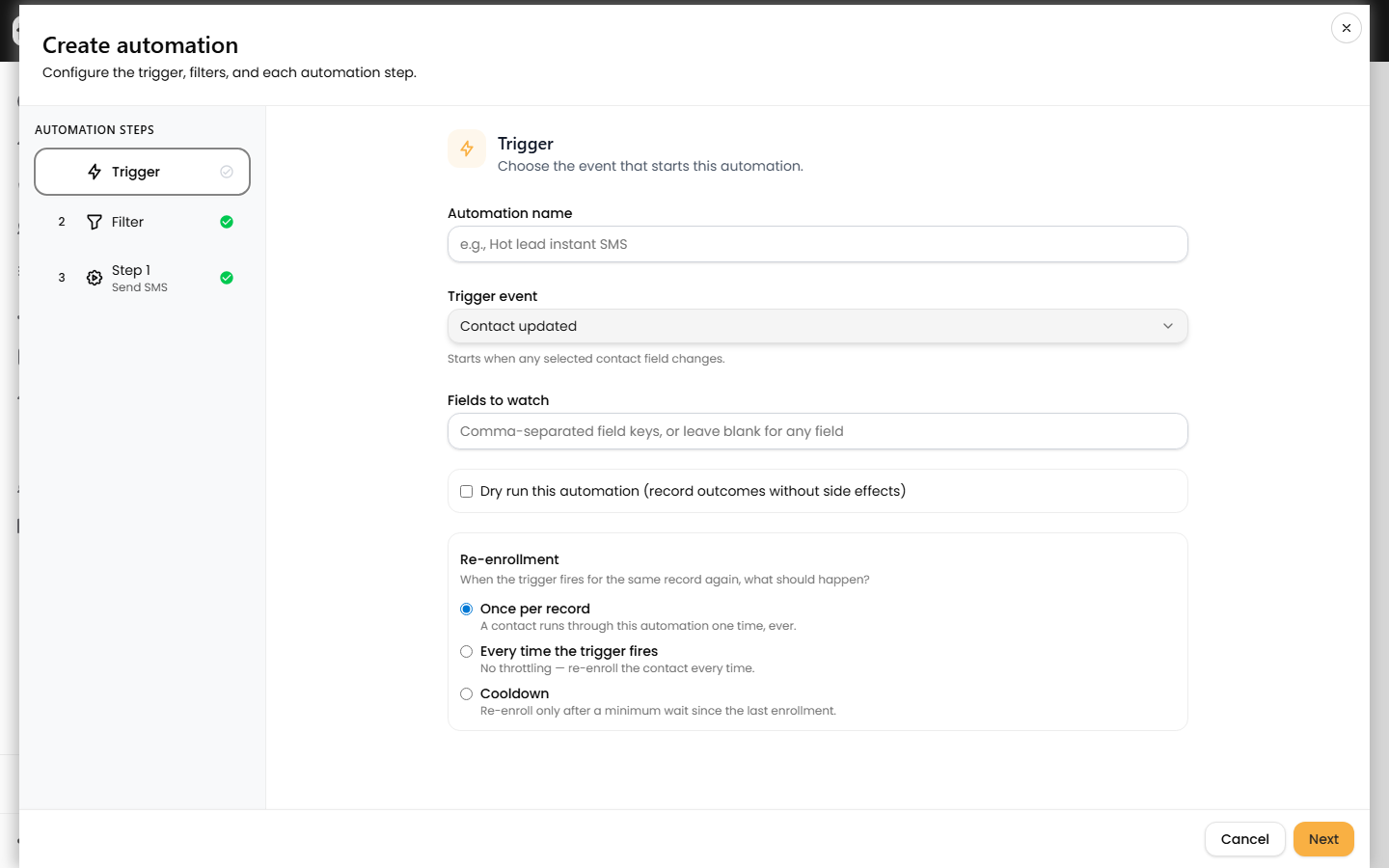
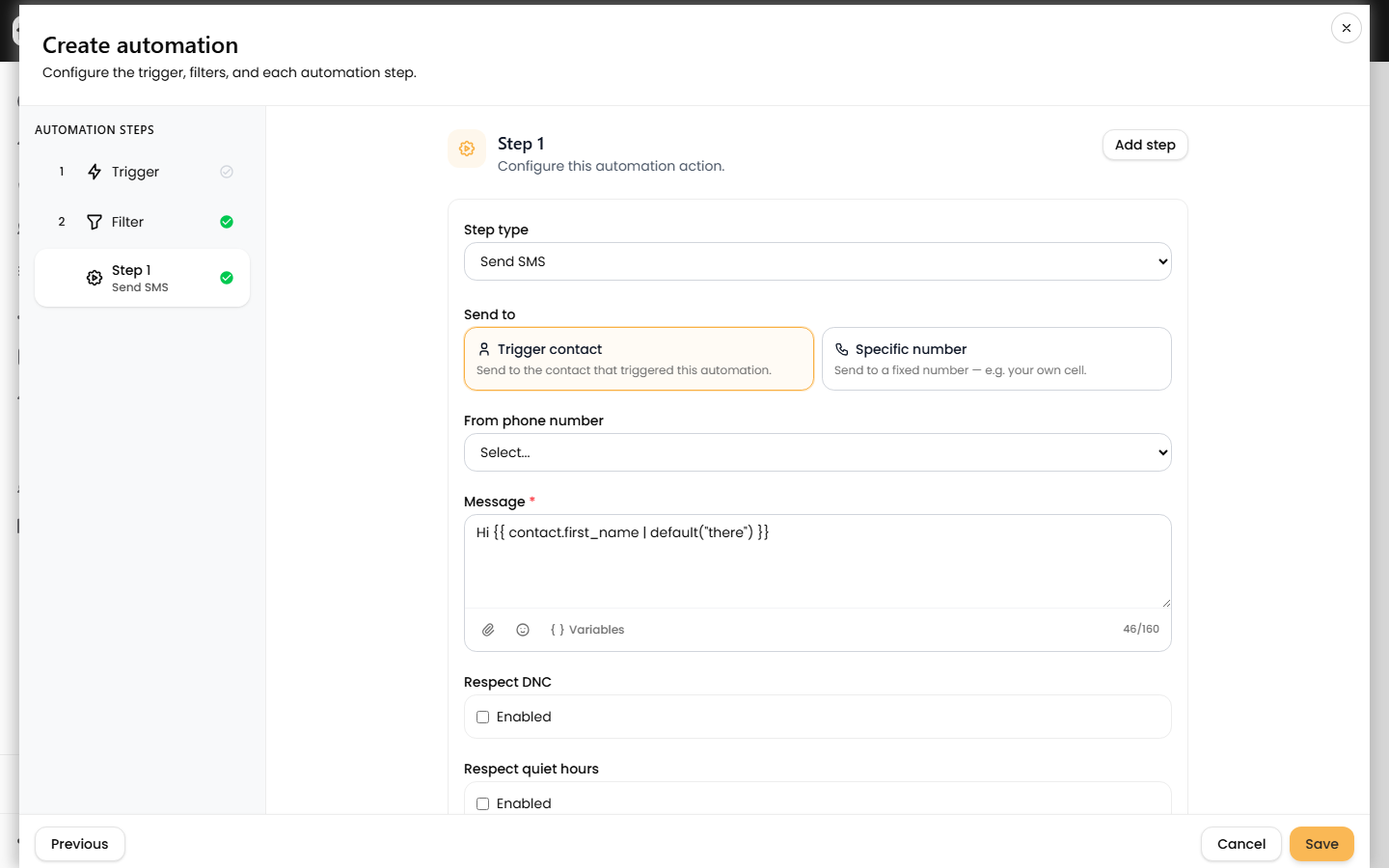
Edit any step's copy, change the delays (minutes, hours, or days), and pick the From phone number on the Send SMS step. New to the builder? Start with create your first automation.
Tighten the trigger so it only fires when you want
The Call no answer trigger fires on any call whose outcome is no-answer, including outbound dials. To restrict it:
- Add a filter so the automation only runs for inbound calls or a specific lead status. Review the options in triggers, conditions, and actions.
- Related triggers you can swap in: Voicemail left, Call completed, or Human call logged.
Built-in safety guards
- The Send SMS step has Respect DNC on by default, so opted-out contacts are skipped.
- Turn on Respect quiet hours to hold texts outside the 9 PM–8 AM window.
- Re-enrollment is allowed, so a contact who misses you again gets the sequence again.
Confirm it works
Place or simulate a no-answer call, then open the Logs tab (or the automation's run history). A green run shows the contact enrolled and each step's result; a failed run names the reason, such as opt_out_block. Walk through reading these in read automation run logs and fix failures.
Extend the play
- Escalate stalled leads with a voice retry using a transfer-to-human rule.
- Flip the lead's status when the AI call result changes in update lead status after AI voice outcomes.