
When your AI voice agent reaches the limit of what it can handle, a Call Transfer node bridges the live caller to a human's phone. You decide the destination number, whether the handoff is warm or cold, and what happens if the transfer fails.
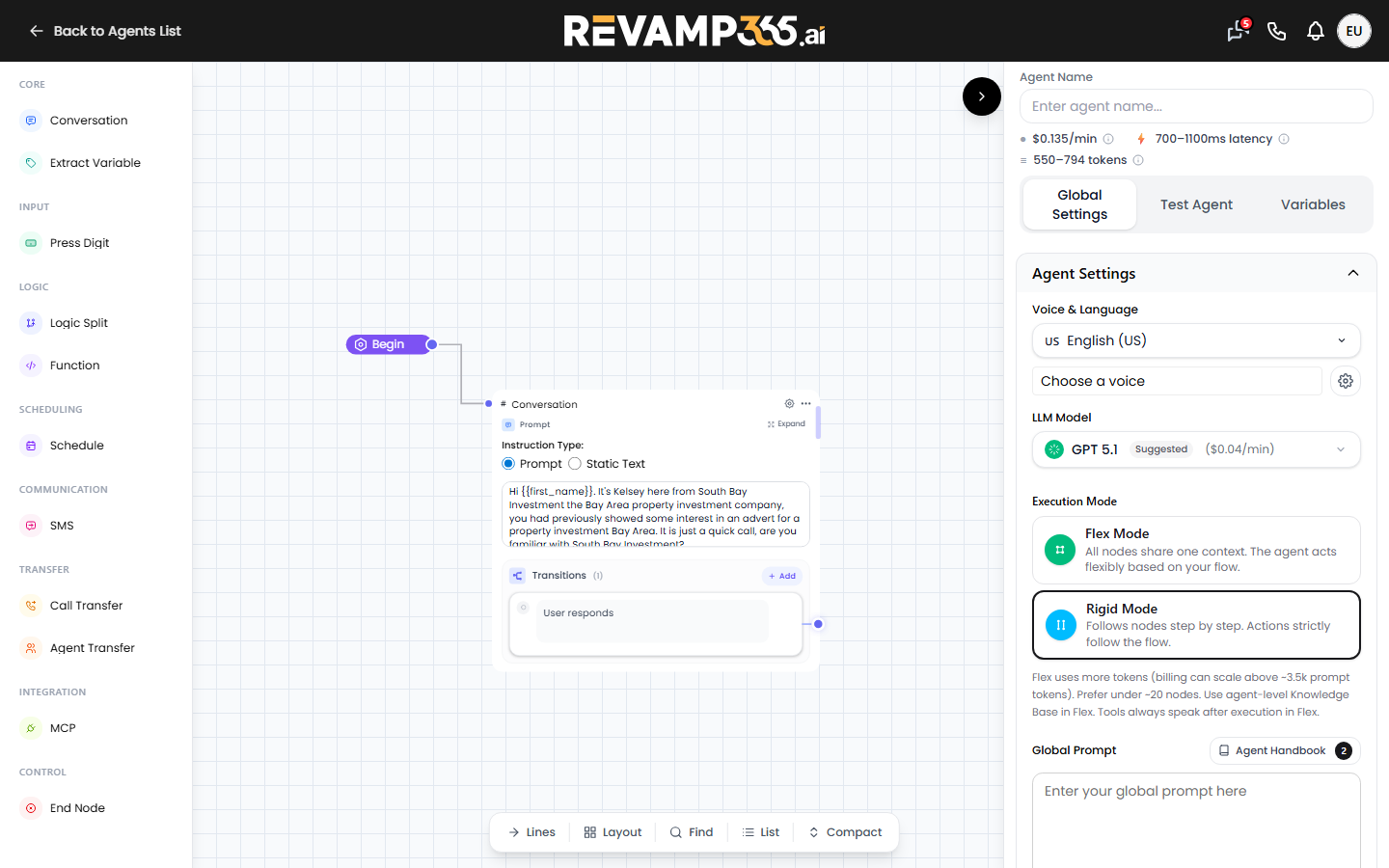
Add the Call Transfer node
- Open the agent builder at /agent and select your conversation-flow voice agent.
- In the node palette, find the Transfer section and click Call Transfer. (The neighboring Agent Transfer hands off to another AI agent, not a person.)
- Connect the node to the point in your flow where the agent should escalate.
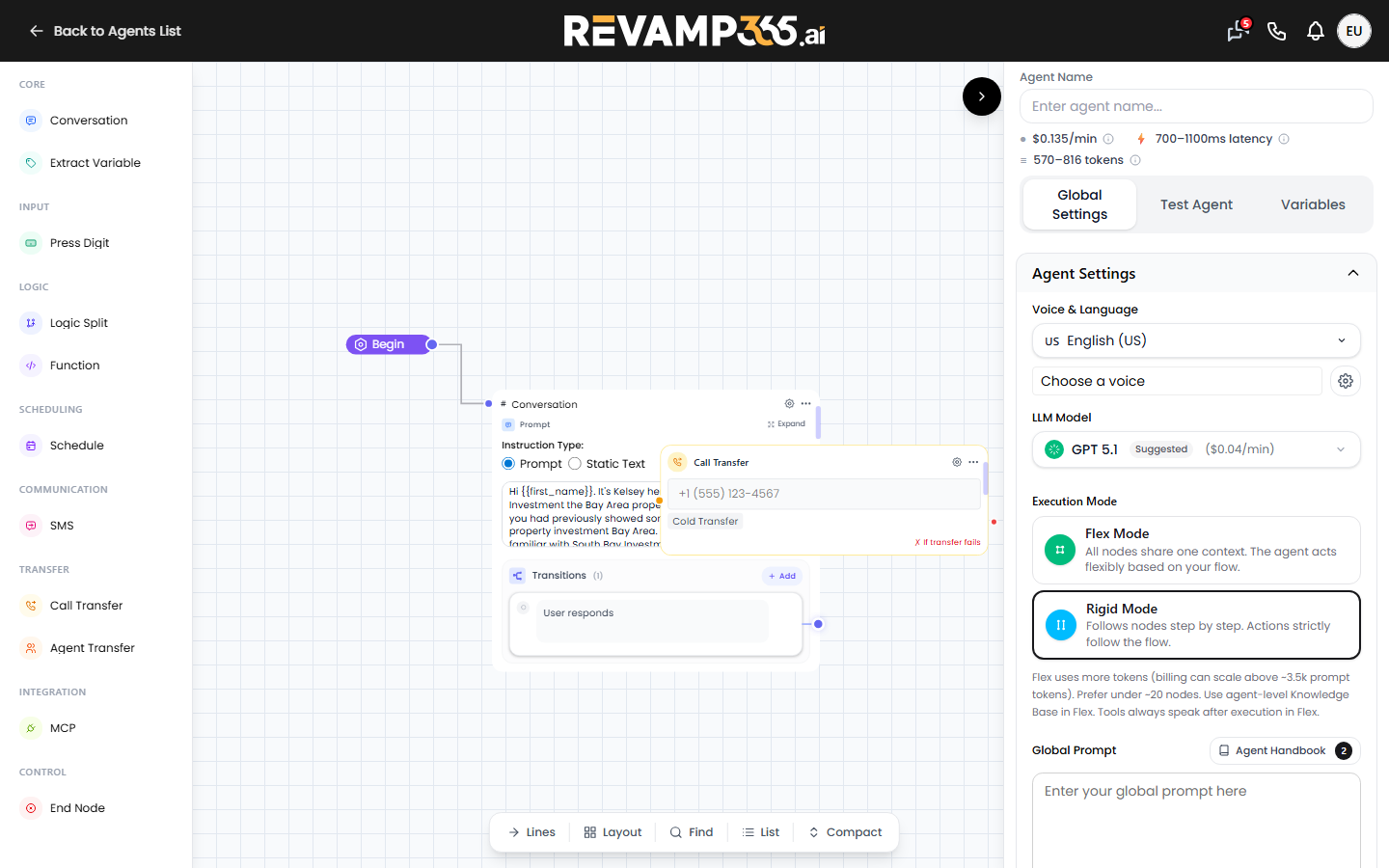
- Click the node to open the Call Transfer settings panel on the right.
Set the destination and transfer type
- Destination Number (required): pick a country code and type the number; the panel shows the E.164 result. To route to different people, enter a dynamic variable such as
{{seller_phone}}instead of a fixed number — the name must match a variable configured on the agent. - Transfer Type: choose one.
| Type | Behavior |
|---|---|
| Warm | The AI introduces the caller and whispers a private brief to the human before bridging. |
| Cold | Connects the caller directly, with no introduction. |
New nodes default to Warm. Switch to Cold when you want the caller connected straight through with no introduction.
Tune the warm-transfer handoff
Selecting Warm reveals extra controls:
- Whisper to receiving agent — a private message only the human hears. Pick Static sentence (supports variables like
{{seller_name}}) or Prompt (LLM) to have the AI generate it. - On-hold music the caller hears while dialing (Ringtone, Relaxing, Uplifting, Silence, Ringback).
- Transfer ring duration (10–60s) and Agent / human detection timeout (10–90s) sliders.
- Checkboxes for Skip human detection, Navigate IVR before human detection, showing the caller's number to the destination, and a three-way handoff message both parties hear.
Note: agentic warm transfer (a separate AI that talks to the destination first) is not yet configurable in this editor.
Handle failures
Every transfer node has a Failure Handling block:
- Max Retries — 0 to 3 attempts.
- Failure Message — what the agent says when the transfer fails after retries, for example "I was unable to transfer your call. Let me help you instead."
The node exposes two transitions: Transfer (terminal — the call left the agent) and Failure (after retries are exhausted). Wire the Failure path back into your flow so the agent keeps helping instead of dropping the caller.
Test it on a real call
Call transfer does not run on the in-browser web call, so place an outbound phone test instead. Review the result, then keep refining the AI voice agent system prompt so the agent escalates at the right moment. Publish the agent for your transfer rules to take effect on live calls.