
Off-market (unlisted) search lets you build targeted seller lists from public-records data — no MLS listing required. This walks you through your first search end to end: pick an area, apply a few filters, and review what comes back.
Open the search
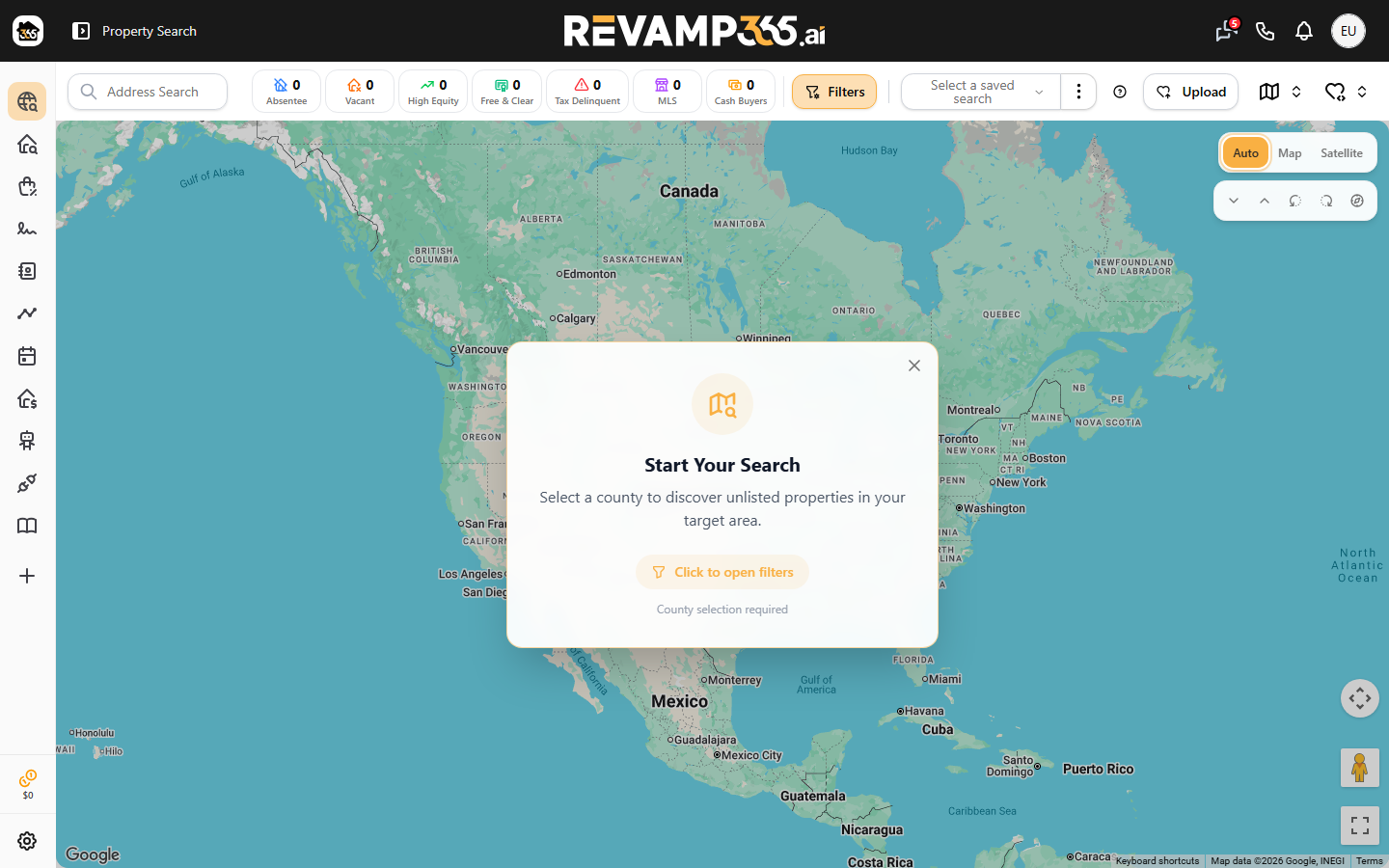
From the left navigation, open Property Search. This is also your default landing screen after login. On the first visit you'll see a Start Your Search overlay on the map — that's expected. Nothing loads until you set a search area, so the map stays empty on purpose.
If it's your very first time, a short guided tour points out the key controls. You can restart it anytime from the filter bar.
Pick your area and filters
Click Advanced Filters to open the Advanced Search panel. The left side groups your filters into sections:
| Section | What it controls |
|---|---|
| Location | County (required), City, ZIP |
| Specs | Beds, baths, square footage, lot size, property type |
| Ownership | Owner type, absentee status, length of ownership |
| Filters | Equity, Market Status, Ownership, and Distress signals |
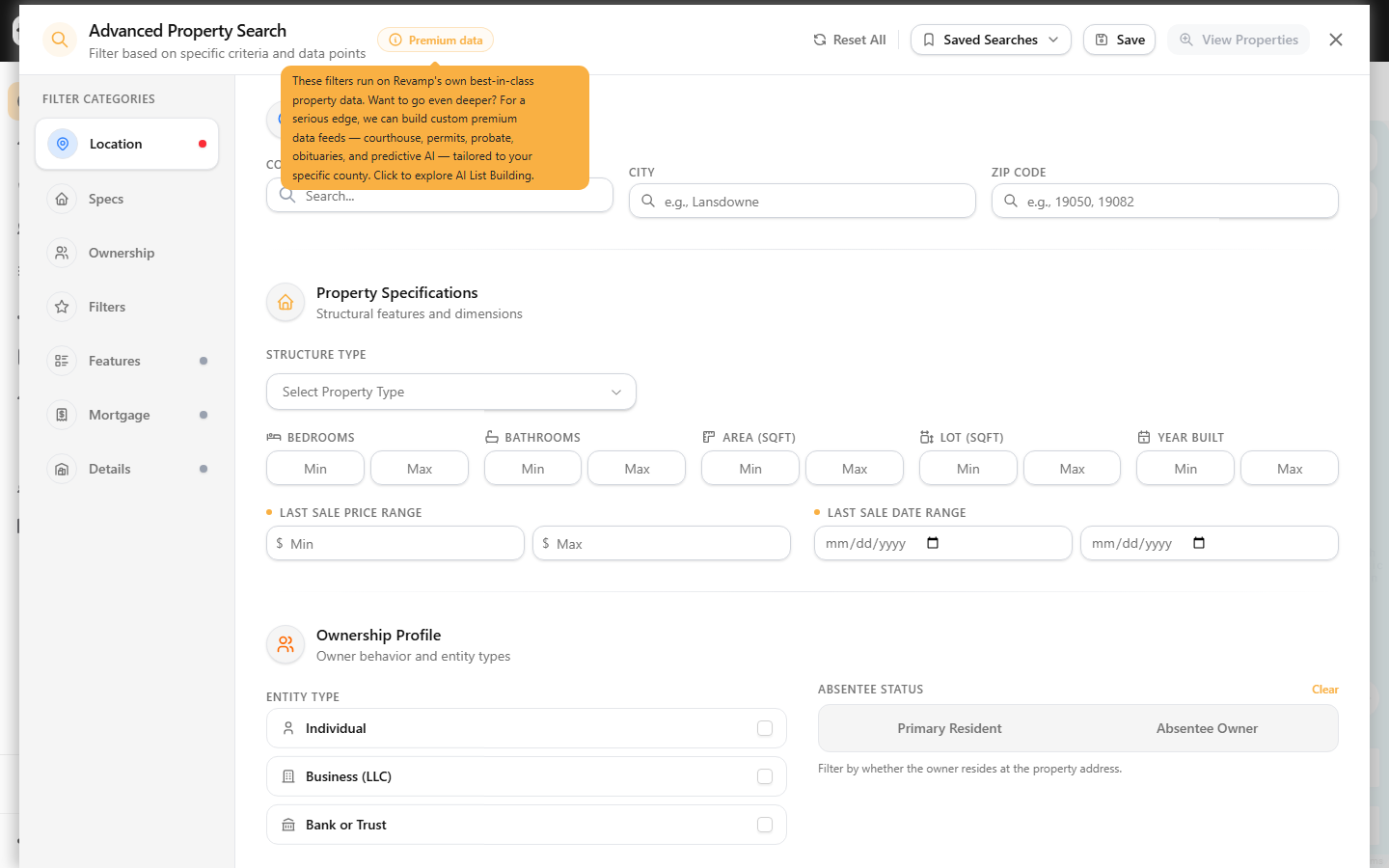
Start in Location and choose a County — this is required and determines which records database is queried. Optionally narrow by City or ZIP.
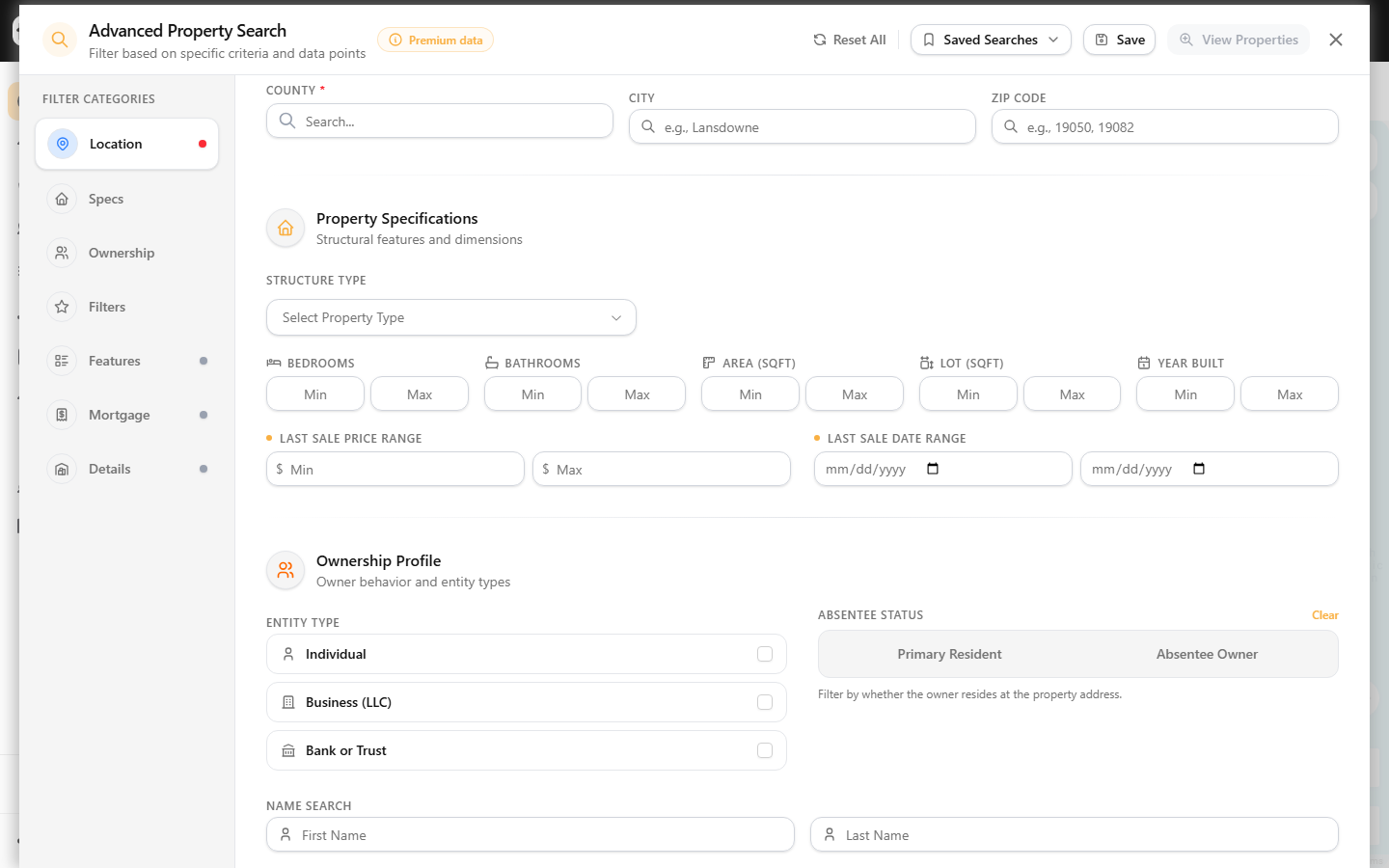
Then add just a couple of filters to keep your first list manageable. Good starting points:
- A high-equity or free-and-clear equity tag
- An absentee or out-of-state owner signal
- A distress signal like vacant or tax-delinquent
Each filter shows a live match count so you can gauge list size before running it. When you're ready, click Apply.
Review your results
Results paint into the view as they stream in. Use the toggle to switch between Map, Grid, and List layouts. A floating indicator shows loading progress on large counties.
Above the results, scorecard counters tally how many properties match each category — Absentee, Vacant, High Equity, Free & Clear, Tax Delinquent, and MLS — updating as your list loads. Click any property to open its detail view with ownership, tax, and public-records data.
Researching a single address instead? Use the property lookup field in the filter bar to pull one property's full record directly.
Save what you found
Once results look right, you have two ways to keep them:
- Save Search — stores your filter criteria so you can rerun the same query later.
- Add to List — saves selected properties into a named list you can revisit, export, or skip trace.
Where to go next
This is the quick happy path. For deeper control of any single step, see:
- Filter off-market properties by location and polygon
- Filter off-market properties by motivation signals
- Save a property search as a reusable list
- Skip trace a saved property list
If a search returns nothing, check troubleshoot zero-result property searches — usually it's filters that are too narrow for the chosen county.