
When you have a property under contract, Buyer Search helps you pull a list of nearby cash buyers and active investors so you can line up an end buyer while the deal moves through your pipeline. This walkthrough connects the two sides: finding buyers and attaching one to the deal.
Before you start
- Buyers Search lives under Wholesale Toolbox > Buyers Search (
/buyers/search) and requires a Pro+ or Dealmaker Syndicate plan. - The Pipeline and the Push to Pipeline action are included with Pro+ and Dealmaker Syndicate too, so every plan that has Buyers Search can link a buyer to a deal.
Find cash buyers for the deal
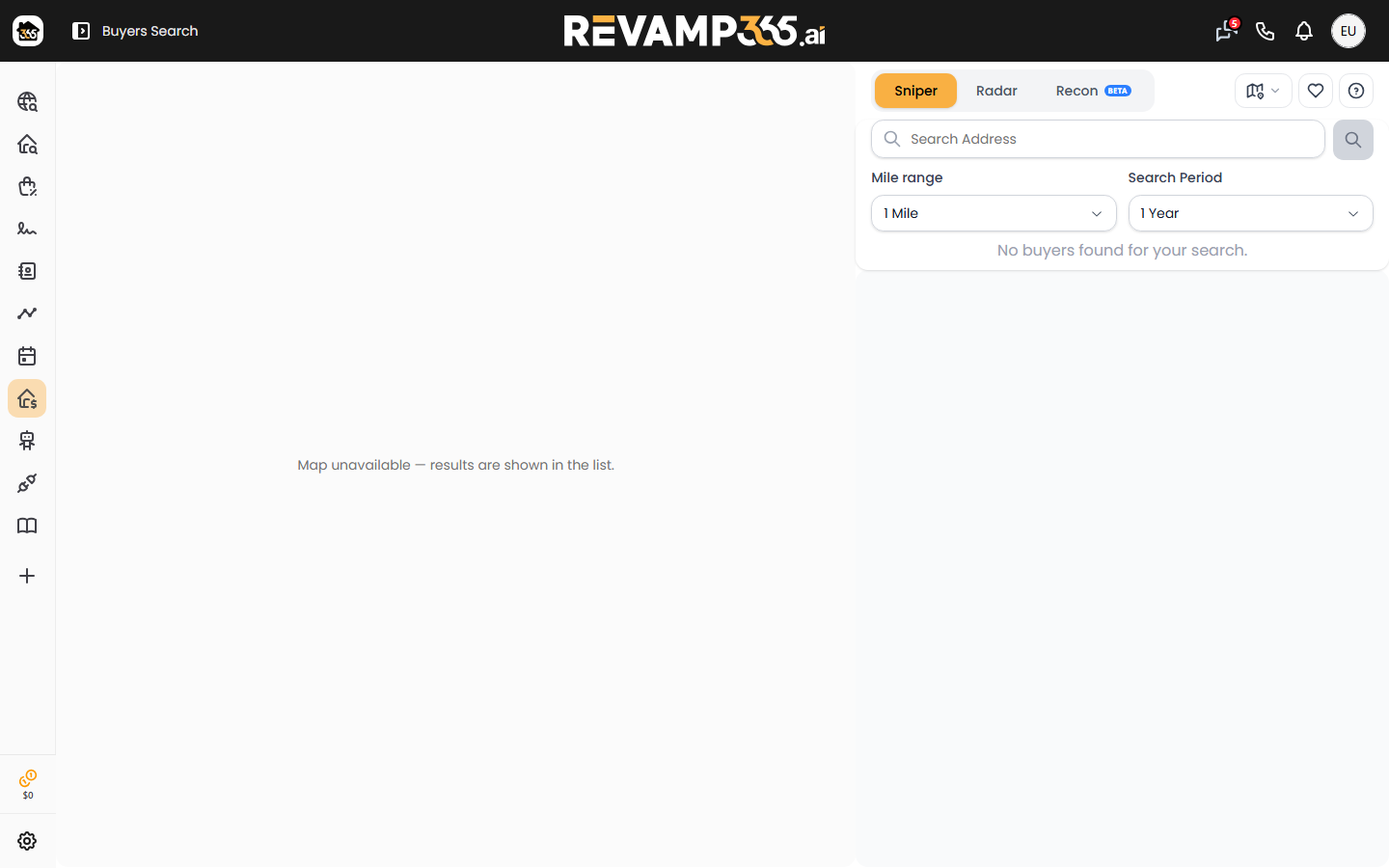
- Open Buyers Search and stay on the Search tab.
- Enter the deal's address, then set the mile range and the search period (in days) to control how recent and how wide the buyer activity is.
- Run the search. Results show one card per investor, built from recent purchases in that radius.
- Use All / Page or tick individual cards to choose the buyers you want.
The Investor Search tab (Beta) is an alternate way to find buyers by investor name rather than by location.
Save buyers to a list
- With buyers selected, open Actions and choose Save to List.
- Pick Create New List and name it after the deal, or switch to Add to List to append to an existing one.
- Saved lists appear under the My Lists tab with a live buyer count.
Get phone and email for outreach
Saved buyers start as addresses only. Open My Lists, select buyers, then use the Actions menu:
| Action | What it does |
|---|---|
| Skip Trace | Appends phone numbers and emails; runs in the background |
| Deep Trace | LLC/entity owner lookup (max 50 at once); background job |
| Export | Downloads a CSV including any traced contact info |
Skip Trace and Deep Trace process asynchronously and email you when they finish. Successful traces create contact records you can pull into your CRM, where you can set lead status and temperature and reach out by SMS blast.
Attach a buyer to the deal
The buyer list and the deal are linked through a contact. On the Pipeline board:
- Open the deal, then go to its Contacts tab and choose Link Contact.
- Search for the buyer's contact, set the role to Buyer, and save.
To start a brand-new deal from a buyer or seller contact instead, open the contact, choose Actions > Pipeline, and the Push to Pipeline dialog creates a deal (defaulting to the Wholesale type). When the deal closes won, the linked contact's status moves to CLOSED automatically.
Take the deal to market
To broadcast a contracted deal to other investors, use Push to Market on the deal, which posts it to the My Deals marketplace. Pair that with your saved buyer list for direct outreach, and review the full flow in What is the deal pipeline.