
The Listed Properties Search page (Property > Search) queries live MLS data so you can pull Active, Coming Soon, Pending, and other status listings, then act on the results. This walks through the status filters, the quick-filter chips, and the views.
Open the search and set status
Go to Property > Search. The page loads pre-filtered to Active and Coming Soon listings sorted by DOM (Shortest to longest).
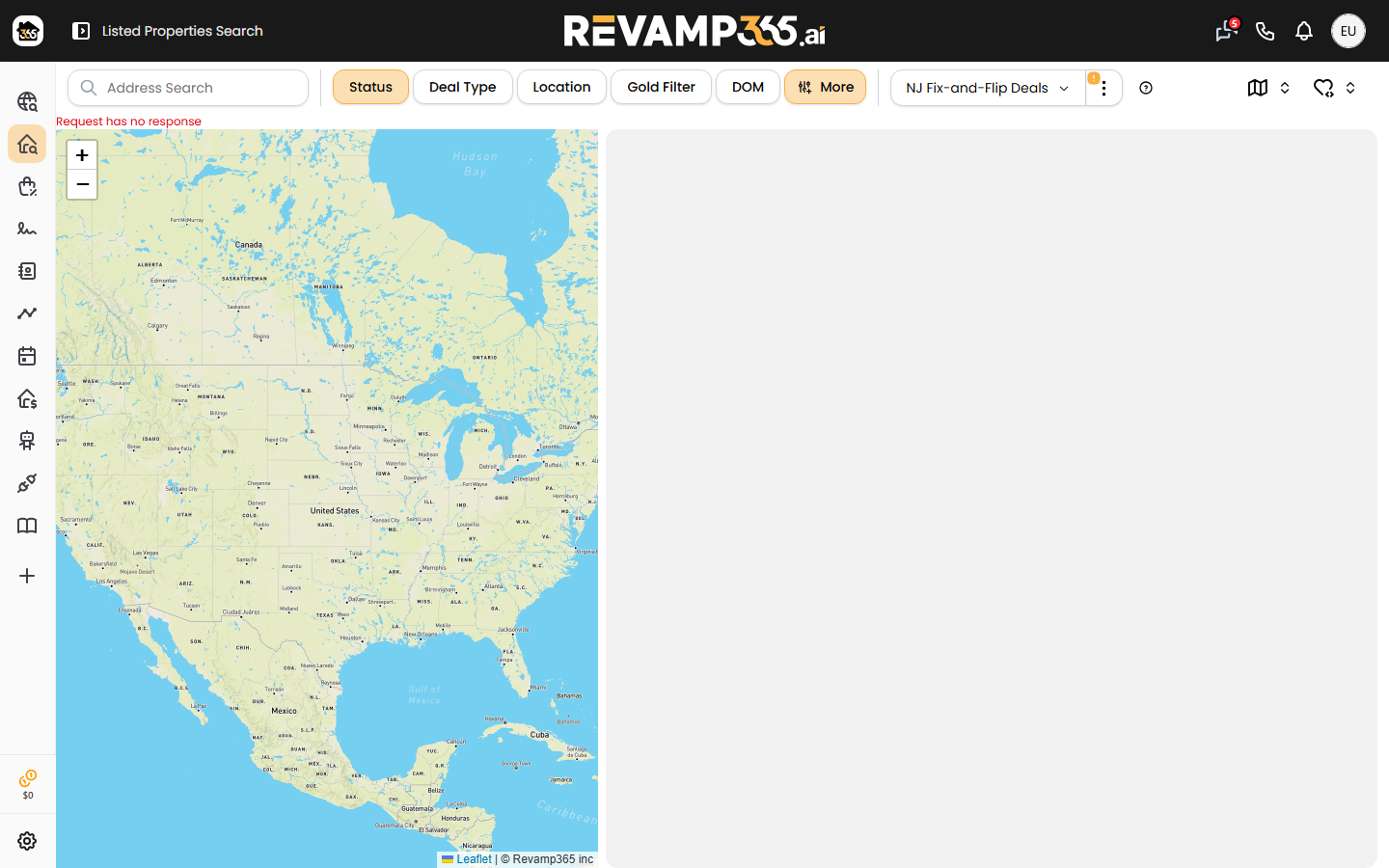
Click the Status chip to change which MLS statuses return. Revamp365 supports all nine:
| Status | Status |
|---|---|
| Active | Active Under Contract |
| Coming Soon | Pending |
| Temp Off Market | Withdrawn |
| Closed | Canceled |
| Expired |
Active and Coming Soon are checked by default. Off-market statuses (Withdrawn, Closed, Expired, Canceled) auto-apply a 180-day day-range so you only see recent records. To search Pending listings, check Pending and apply.
Narrow with the quick-filter chips
Next to Status sit four more chips. Each opens a popover; set values and click Apply.
- Deal Type — choose MLS, Wholesale, or Both.
- Location — run a Proximity Search (drop an address, then pick a radius from 0.1 up to 51 miles), or use Counties, City, and ZipCode. Picking a proximity address disables the county/city/zip fields.
- Gold Filter — one-click presets Fix & Flip, Buy & Hold, and Below Market. The Show Advance Filters controls (flip profit, cash flow, Delta PSF, accuracy rating) are locked on the Free plan.
- DOM — set Days-on-Market min/max. The Closed Date filter inside it only applies when Status includes Closed.
For a full field set (structure type, beds/baths, sqft, year built, lot size, HOA, zoning, agent, school district, and public-remark keywords), open the Advanced MLS Search panel from the filter button.
Switch views, sort, and act on results
Results show on a Map (desktop default), Grid (mobile default), or List. The header shows the matched property count.
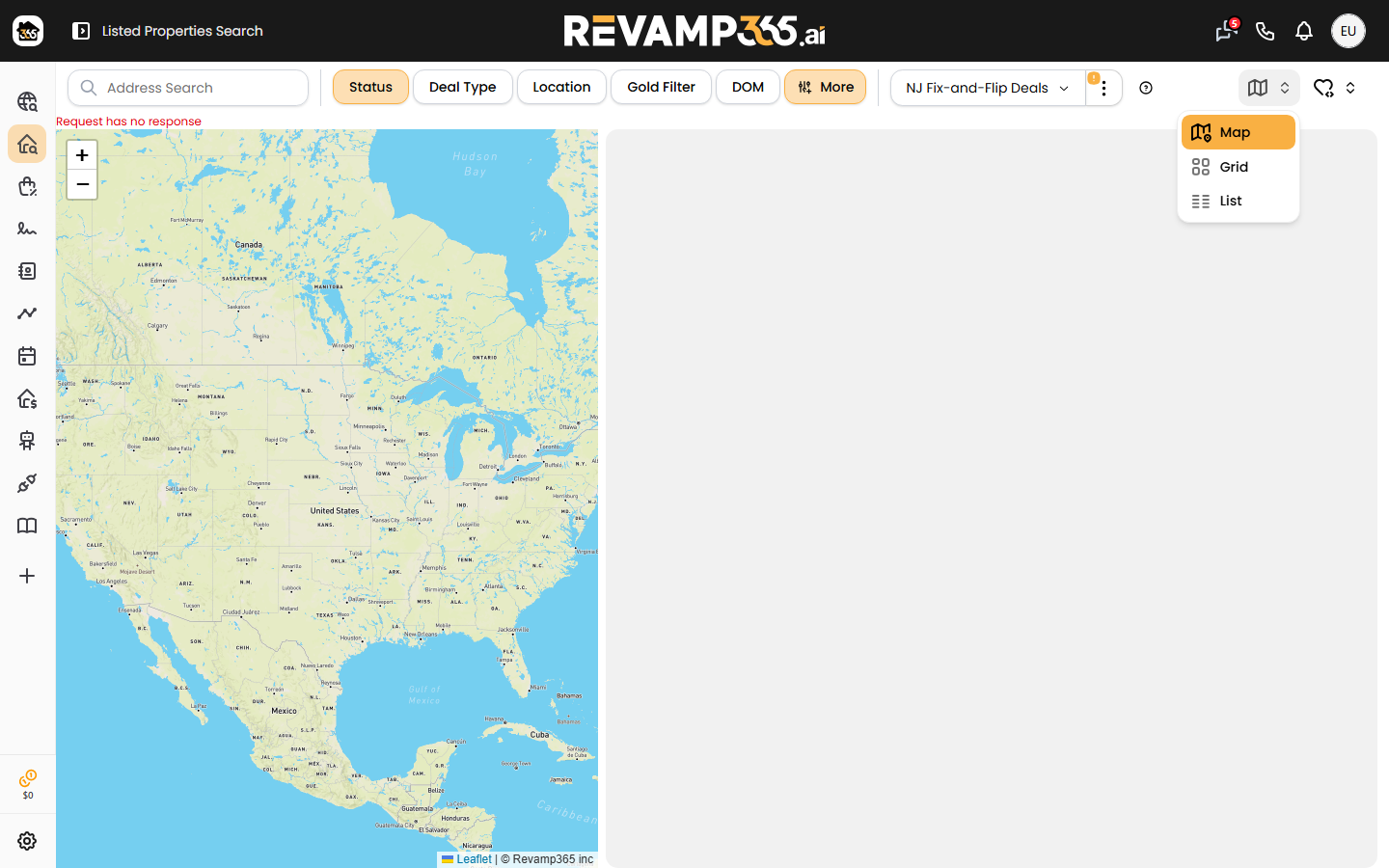 Use Sort By to reorder — List Price sorts both ways, while AVM, Rent, Cash Flow, Flip Profit, and Delta PSF sort high-to-low and DOM sorts shortest-to-longest.
Tick the checkbox on listings to reveal the Actions menu:
- Add to List — save the selected properties to a reusable list.
- Skip Trace — appears only when a saved list is active.
- Export — download the selection as CSV.
- Remove from List / Hide from List.
To re-run a filter set later, save it from the filter bar. To turn those saves into recurring email or push alerts (off, daily, or weekly), see save MLS search and turn on alerts. To refine by Days-on-Market, price drops, and status, see filter MLS listings by DOM, price drops, and status.
Limits and gotchas
- Free plan is capped at 200 search-page loads per day; paid plans are uncapped.
- Selecting a saved list replaces your filters with that list's properties — clear the list to filter the full MLS again.
- A proximity address overrides county, city, and ZIP, so clear it to search by those instead.
- Getting no results? Loosen status or location filters per troubleshoot zero-result property searches.