
Both voice and SMS campaigns in Revamp365 live on the AI Voice & Chat page under the Campaigns tab. How you pick recipients depends on which sub-tab you open — Voice Campaigns gives you a full filter panel, while SMS Blast uses a simpler tag-or-everyone model.
Open the campaign builder
- Go to AI Voice & Chat (
/ai-voice) and click the Campaigns tab. - Choose a sub-tab: Voice Campaigns, SMS Blast, or SMS Drip (coming soon).
- Click Create Campaign.
SMS Blast requires a completed A2P registration first; if you see the A2P Registration Required banner, the Create Campaign button stays disabled until you finish it.
Select recipients for a voice campaign
In the voice builder, audience selection is Step 2: Select Recipients. Each filter narrows the list further, and a live count shows how many contacts qualify.
| Filter | What it does |
|---|---|
| Contact View | Apply a saved view's filters as the starting set (optional) |
| Tags | Match by tag, with an operator (is, is not, is any of, is none of) |
| Lead Status | Limit to one lead status |
| Lead Source | Limit to how the lead was acquired |
| Phone Status | Valid Phone Only (default) or Any |
As you change filters, the blue box updates to read "N contacts will receive this campaign." Turn on Call all phone numbers to dial every valid number on each contact instead of just the primary one — the count then also estimates total phone numbers.
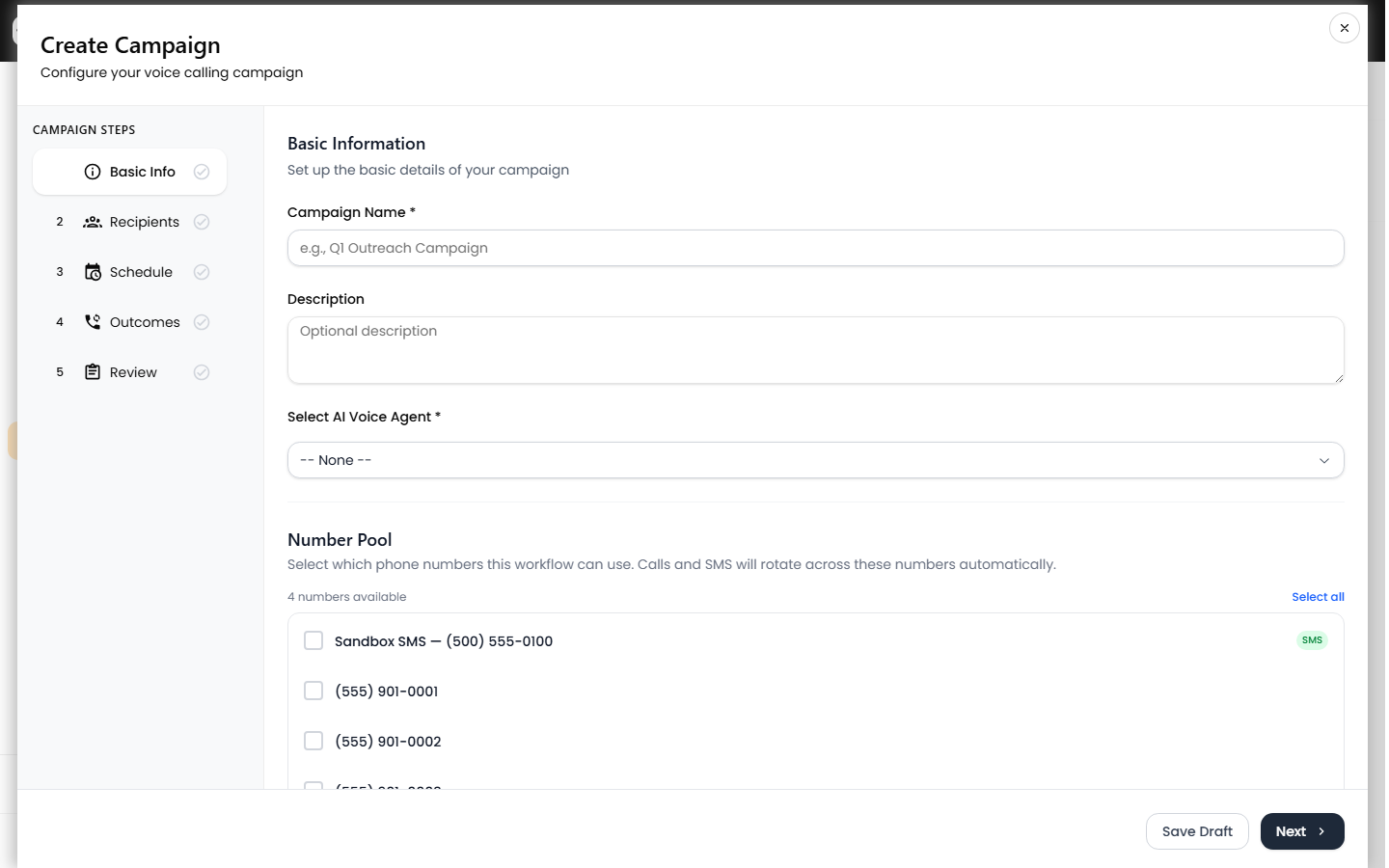
When the audience looks right, continue through Schedule, Call Flow, and Review, then click Create Campaign.
Select an audience for an SMS Blast
The SMS Blast builder is three steps (Basic Info, Messages, Audience). On Step 3: Audience, pick one option:
- Select Contacts By Tags — choose a single tag from the dropdown. Each tag shows its contact count, e.g.
Cash Buyer (142). - All Contacts — message every contact in your list. A warning reminds you this sends to every saved phone number.
Save the campaign, then use Start Blast on its card to send. Note that SMS campaigns also pass through TCR review before major carriers will accept the traffic.
Build the tags and views first
Both builders read directly from your CRM, so the cleaner your contact data, the tighter your audience:
- Tag and segment contacts on the Contacts page — see use tags, saved views, filters, and lists.
- Set lead status so the Lead Status filter has something to match — see set lead status and temperature.
Tips for a clean audience
- Keep Phone Status on Valid Phone Only for voice campaigns so you do not waste dials on numbers that failed validation.
- A saved Contact View plus extra filters stack together (AND) — the view sets the base, the filters trim it down.
- Watch the recipient count before moving on; a count of 0 means your filters are too strict or no contacts carry that tag.
- Selecting All Contacts for SMS has no preview count, so confirm your list size on the Contacts page first.