
Comps let you anchor an offer or ARV to what nearby homes actually sold for. Revamp365 pulls both MLS closings and public-record sales for any address you open, so you can compare like-for-like and build a report.
Open the comps tab
- From the left sidebar, open Property Search.
- Search an address (or open any off-market property) and click the result to open the property popup.
- Select the Comparable & Nearby Listing tab.
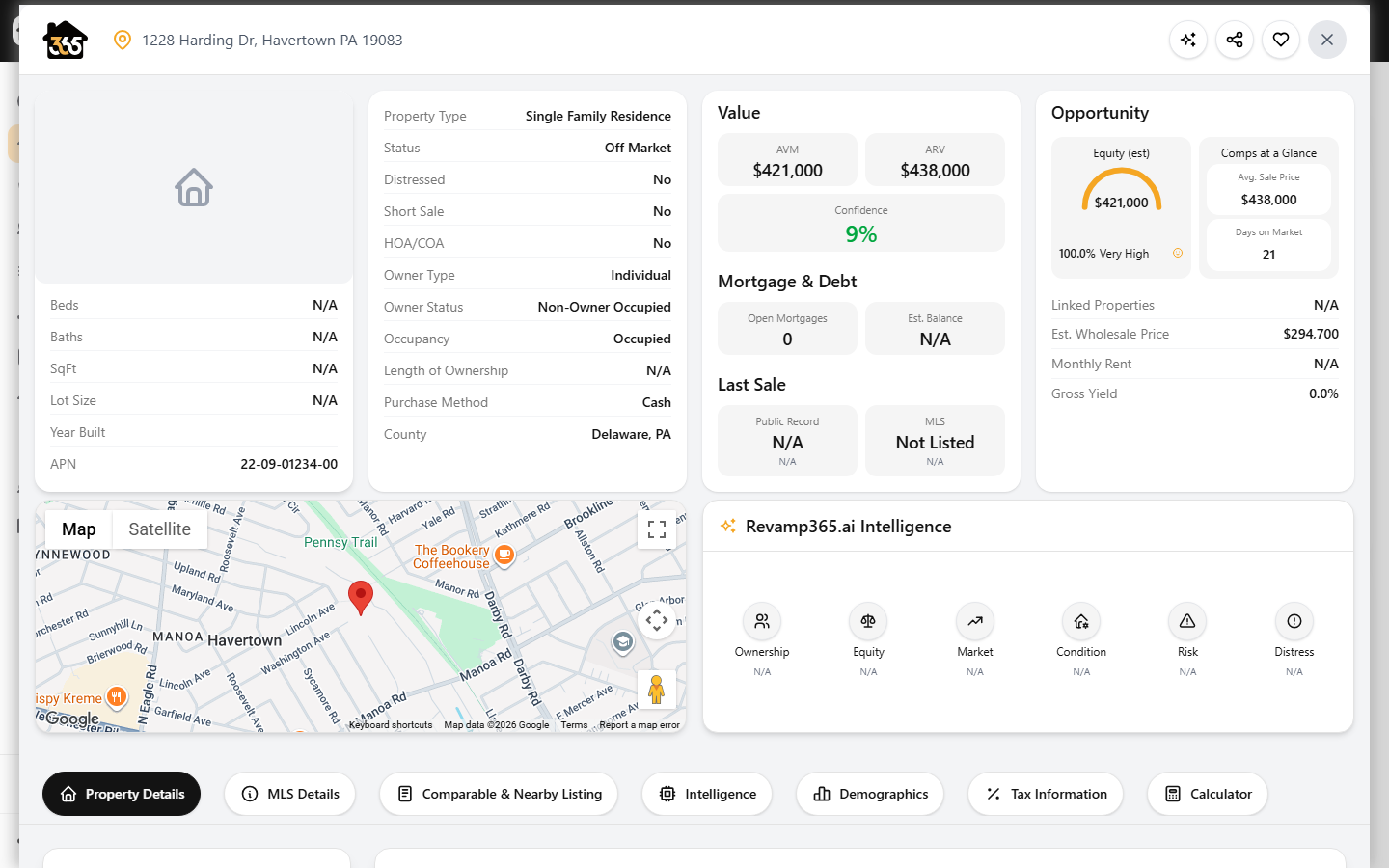
Comps load automatically using the subject home's square footage and property type as the starting range.
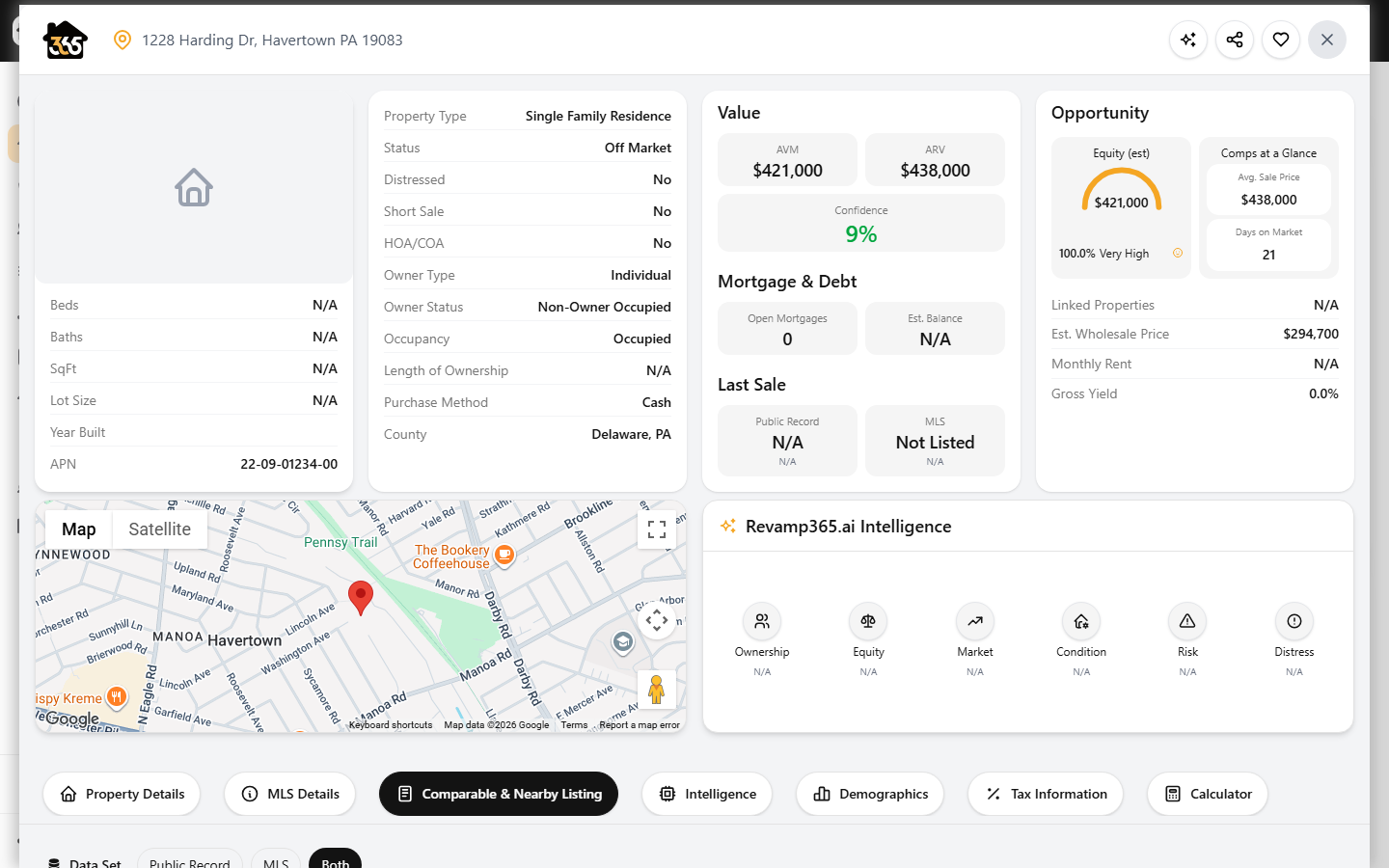
Choose your data set
At the top, pick a Data Set pill:
- Public Record — recorded deed sales (requires the parcel's FIPS, so wait for property details to finish loading).
- MLS — agent-reported closings.
- Both — merged, with overlapping sales de-duplicated (default).
Filter the comp set
Click Filters to refine. Defaults are a 1-mile radius, sales in the last 180 days, and Closed status.
| Filter | Notes |
|---|---|
| Distance (mi) | Radius from the subject in miles |
| Last sale date | From/to date range |
| Area (sq ft) | Min/max finished square footage |
| Status | All, Sold, Active, Pending, or Closed (MLS comps only) |
| Structure type | Defaults to the subject's type when left empty |
| Beds / Baths | Min and max |
| Year built | Min and max |
| Last sale price | Min and max |
Hit Apply filters, or Reset to return to defaults.
Sort, view, and inspect
- Use the Sort menu to reorder by distance, price, price per sq ft, sqft, close date, or year built. The default is Price / sq ft (high to low).
- Toggle Grid, List, or Map view. Your choice is remembered.
- Click any comp to open a Quick Detail card with sale price, beds/baths, sqft, lot, MLS number, days on market, and (for public records) the APN and seller.
Export or build a report
Tick the checkbox on the comps you want, then open the Actions menu:
- Export CSV — download the selected comps (address, amount, beds/baths, sqft, price per sqft, distance, and more).
- Create Comp Report — generate a Comparable Market Analysis you can save as a PDF for sellers or lenders. Its summary statistics show average sq ft, average $/sf (closed), average distance, and average sale across the selected comps.
- Reset filters & selection — clear everything and reload.
Use the select-all checkbox to grab every visible comp at once.
Related steps
- Need a fast valuation without opening a listing? Use the standalone Instant Comps tool from the sidebar.
- Ready to act on the number? Generate an offer from the MLS listing using your comp-backed ARV.