
Dealmaker includes one free domain per published website on eligible extensions (typically .com, .net, and .org). Search inside the Websites editor, claim the name, and Revamp365 registers it and connects it automatically — you pay $0 today when the free purchase path is enabled for your account.
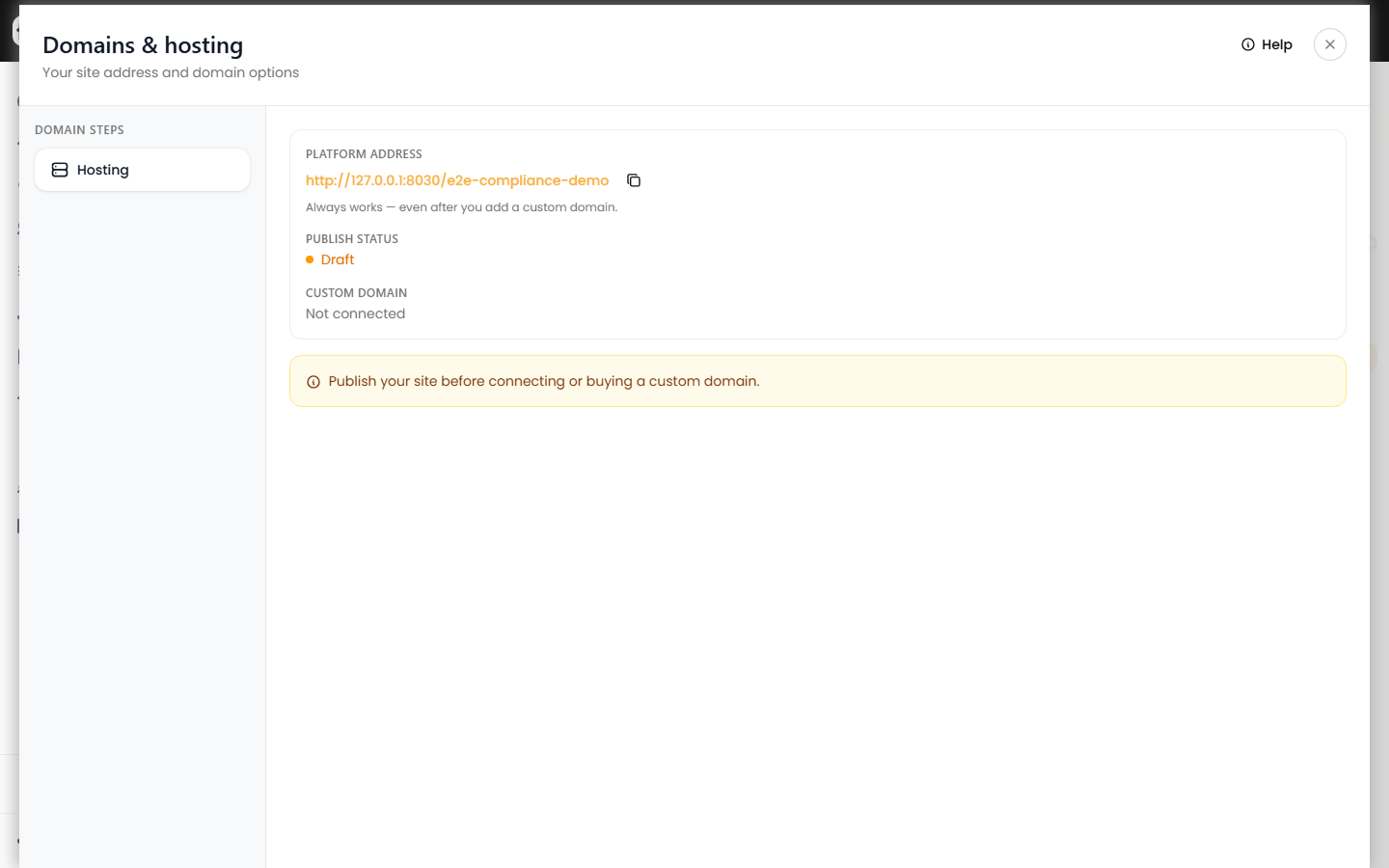
Before you search
- Publish your site from the Website editor.
- Open Domains & hosting and click Buy a domain.
Search and select
- Enter at least two characters of the name you want (without the extension).
- Click Search. Results show retail value with a Free 1st year badge on eligible names.
- Click a row to select it, then click Continue.
Premium and unavailable names are hidden — if nothing appears, try a different spelling or another extension from the eligible list shown under the search box.
Confirm and claim
The claim step summarizes the domain, shows retail value crossed out, and confirms You pay $0 today. Click Claim free domain to register and attach it.
Requirements:
- One free domain per site — release an existing custom domain before claiming another.
- Profile contact info — your account needs a full name and valid contact email (ICANN registrant requirements). If claim fails, update your profile under Settings → Basic (
/settings/profile) and try again.
After claim
When registration finishes, the wizard shows Registered & connected. Visitors can open https://yournewdomain.com; SSL may take a few minutes to become fully active.
Your platform URL still works for visitors who have that link.