
Revamp365 combines a monthly plan with pay-as-you-go charges for the things that cost money per use, such as AI voice calls, SMS, skip tracing, and phone numbers. This explains the plan tiers, how those usage charges are funded, and where to review your usage and payment history.
Plan Tiers
Your account is on one of these plans:
| Plan | How it bills |
|---|---|
| Free | No monthly fee. Usage is funded by prepaid credits. |
| Pro+ | Monthly subscription with lower per-use rates than Free. |
| Dealmaker | Monthly subscription with the lowest per-use rates. |
Pro+ and Dealmaker are billed monthly through Stripe. Your current plan, renewal date, and any scheduled cancellation appear on the Billing screen, and subscription changes open the Stripe customer portal.
What Counts as Usage
Most core CRM features are included in your plan. These metered actions are charged on top of it:
- AI voice calls (priced from the call cost plus a small per-call markup)
- SMS and rich RCS messages, plus AI Agent SMS replies
- Skip tracing and Deep Tracing (deep research) per record
- Phone numbers, plus optional CNAM Caller ID and Branded Calling
- AI analysis features (lead summaries, next-step suggestions) and agent test chats
Per-record and per-message rates depend on your plan. Paid plans get better rates than Free, and Dealmaker gets the best — each skip trace, text, and AI call is counted as one usage charge.
How Usage Is Funded
There are two funding methods, depending on your plan:
- Prepaid credits (Free, and any paid user who turns on auto top-up). Each billable action debits your credit balance immediately. New Free accounts receive a one-time welcome credit after phone verification. If your balance is too low to cover an action, the action is blocked until you add credits.
- Monthly usage invoice (Pro+ and Dealmaker by default). Metered usage accrues during the month and is billed to your card on a Stripe invoice. Each usage row is marked Billed once it lands on an invoice.
Free accounts also have a daily spending safeguard: if usage crosses a rolling 24-hour threshold, further paid actions pause until the window resets.
Auto Top-Up
Auto top-up keeps prepaid balances from running out. On the Billing screen you set:
- A threshold balance that triggers a refill
- A refill amount to charge
When a debit drops your balance below the threshold, Revamp365 charges your saved card off-session and adds the credits. Turning on auto top-up with a saved card moves a paid plan onto credit-based billing for usage. If a charge is declined or needs card authentication, auto top-up pauses after repeated failures and notifies you to top up manually.
Where to See Usage and Payments
Open Settings and use these screens:
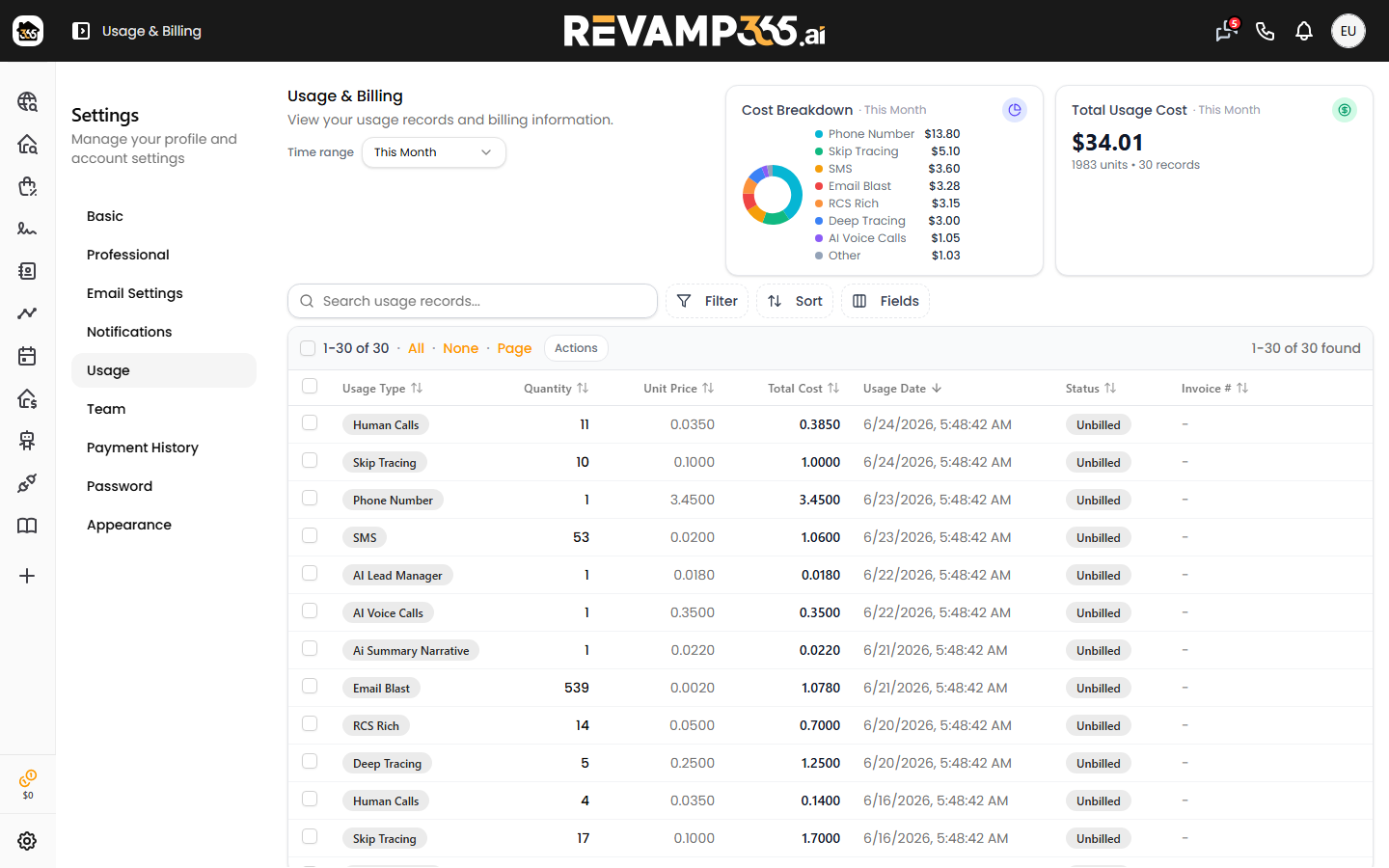
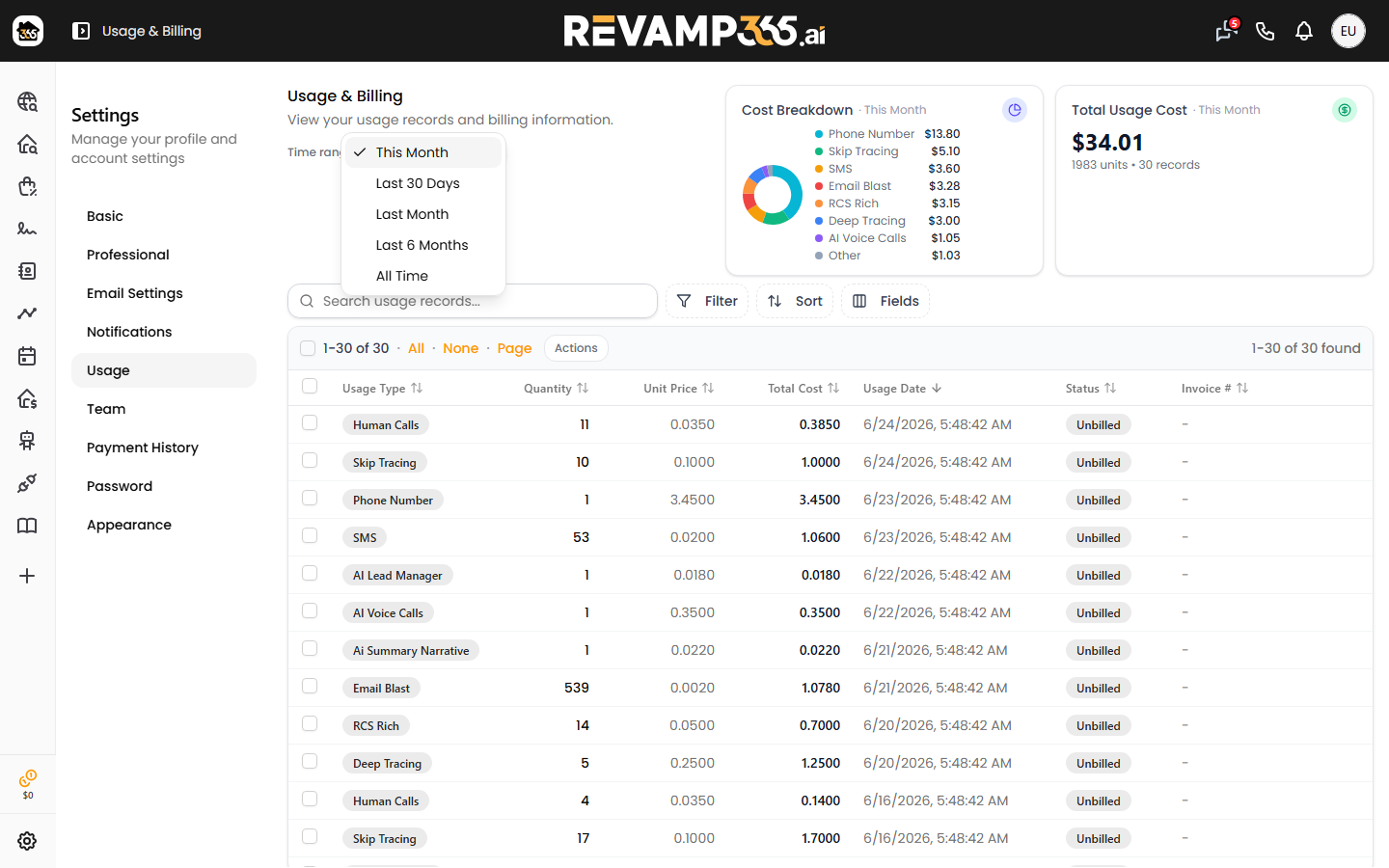
- Usage — every metered action from the last 6 months, with quantity, unit price, total cost, billed status, and a cost breakdown for the current month.
- Billing — your plan, plus one Invoices & receipts table of every charge (subscription, usage, credit top-ups and one-time purchases) with a Paid or Open status and links to view the invoice, the receipt, or the PDF, or to pay an open invoice. Free and credits-based accounts also see their credit balance, an "Add Credits" button, auto top-up settings, and a ledger of credit grants and top-ups.
If you are new to the platform, What Is Revamp365 explains how these tools fit together. To add a number that incurs the phone-number charge, see Provision a Phone Number for SMS and AI Voice.
Property export allowances
Free: 0 new properties/month. Pro+: 10,000. Dealmaker: 100,000. Each property counts once for the account lifetime. Repeat exports and properties with paid Skip Trace or Deep Trace are unlimited on every plan.
Allowance resets on your subscription anniversary, including annual plans. Unused allowance does not roll over. The credit balance popup shows remaining property exports. Requests over the remaining allowance are blocked; you can explicitly export only exempt properties. CRM contacts, call logs and other owned business data remain unrestricted, even after downgrading to Free.