
Controlling when calls and texts go out lets you enforce the contact windows you are responsible for determining, and keeps a campaign moving instead of looking frozen. You decide which hours the law allows for your campaigns; these settings carry out that decision. The settings differ between Voice Campaigns, SMS Blast, and automation-driven SMS, so the right place to set them depends on the channel.
Voice campaign calling windows and timezone
Open Campaigns in the AI Voice area and pick the Voice Campaigns sub-tab. The campaign builder's schedule step (the "Calling Schedule" panel) controls exactly when the dialer is allowed to place calls:
- Per-day windows — each day of the week is a toggle. Enable a day, then set one or more
start–endtime windows on it (the default is 09:00–17:00). Disabled days show "Unavailable" and are skipped. If no day is enabled, the cadence will not run. - Timezone — all windows are evaluated in the campaign's timezone (Eastern, Central, Mountain, Pacific, Arizona, Alaska, or Hawaii). Calls default to
America/New_Yorkif you leave it. - Max Calls Per Hour (optional) — a soft throttle. Leave it blank for no hourly limit.
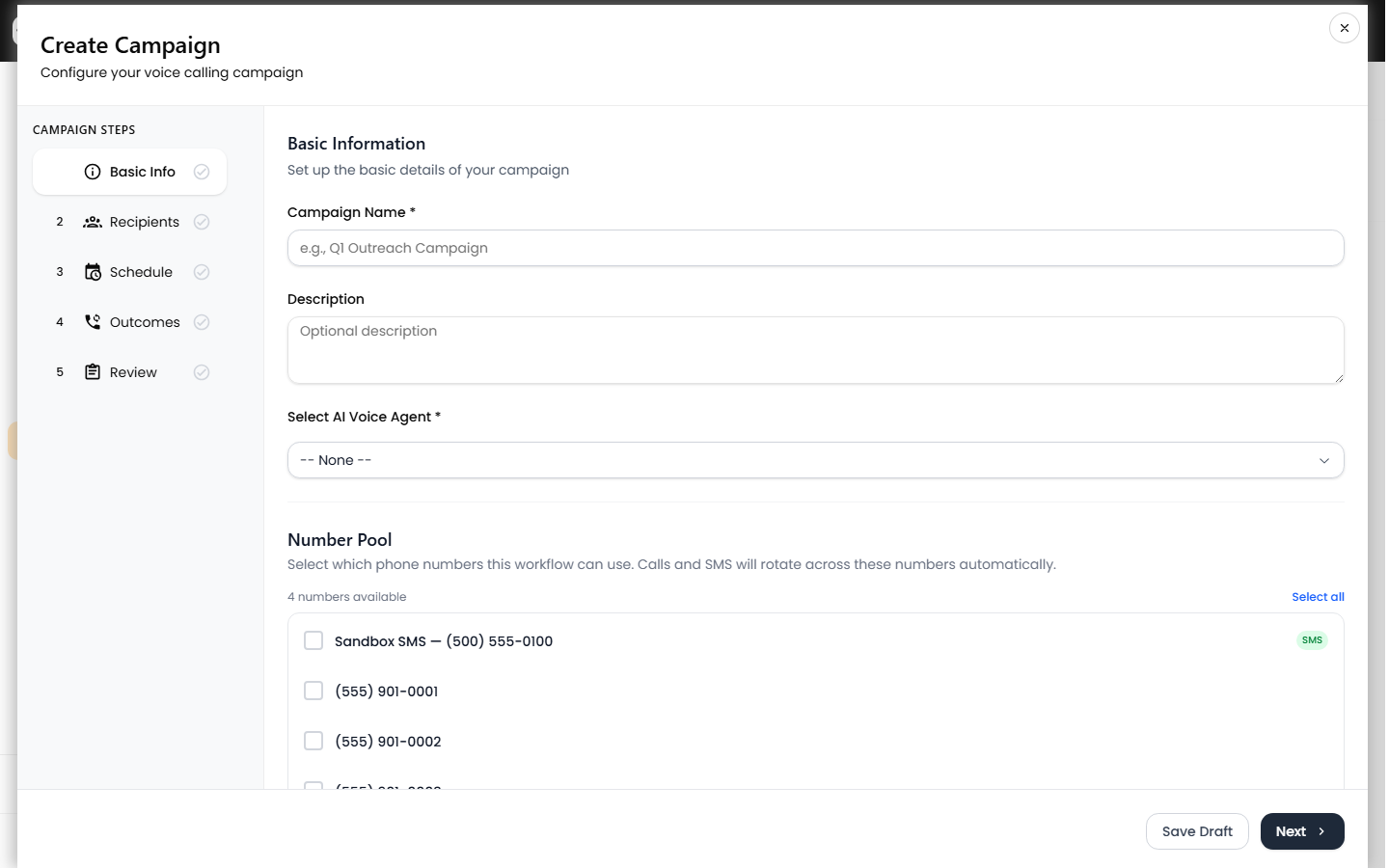
These windows are not just an initial schedule. Every call re-checks the day, the time window, and the hourly cap at the moment it is about to dial. A call that comes due outside an allowed day or window is pushed back to the next valid start time and returned to pending — it is never dropped. If the hourly cap is already hit, the call is rescheduled about five minutes out and retried.
Voice per-number daily caps and rotation
Two campaign fields protect your phone numbers from carrier spam flags by spreading volume:
| Setting | What it does | Default | Range |
|---|---|---|---|
| Max calls per number per day | Daily cap per sending number before it is rested | 200 | 1–500 |
| Calls before number rotate | Calls placed before rotating to the next pool number | 5 | 1–50 |
When you attach a number pool, the dialer always picks the least-loaded number under its daily cap and increments that number's daily counter; counters reset each day. If every pooled number has hit its cap, no further calls go out until the next day's reset — which is the most common reason an otherwise active voice campaign appears stuck.
SMS Blast send timing
The SMS Blast sub-tab does not use quiet-hour or per-hour controls. Instead, each message in the blast has its own schedule type:
- Manual — held until you send it.
- After TCR approval — queued to send once your A2P/TCR campaign registration is approved.
- Scheduled — sends on the date and time you pick.
- Immediately — sends as soon as the campaign runs.
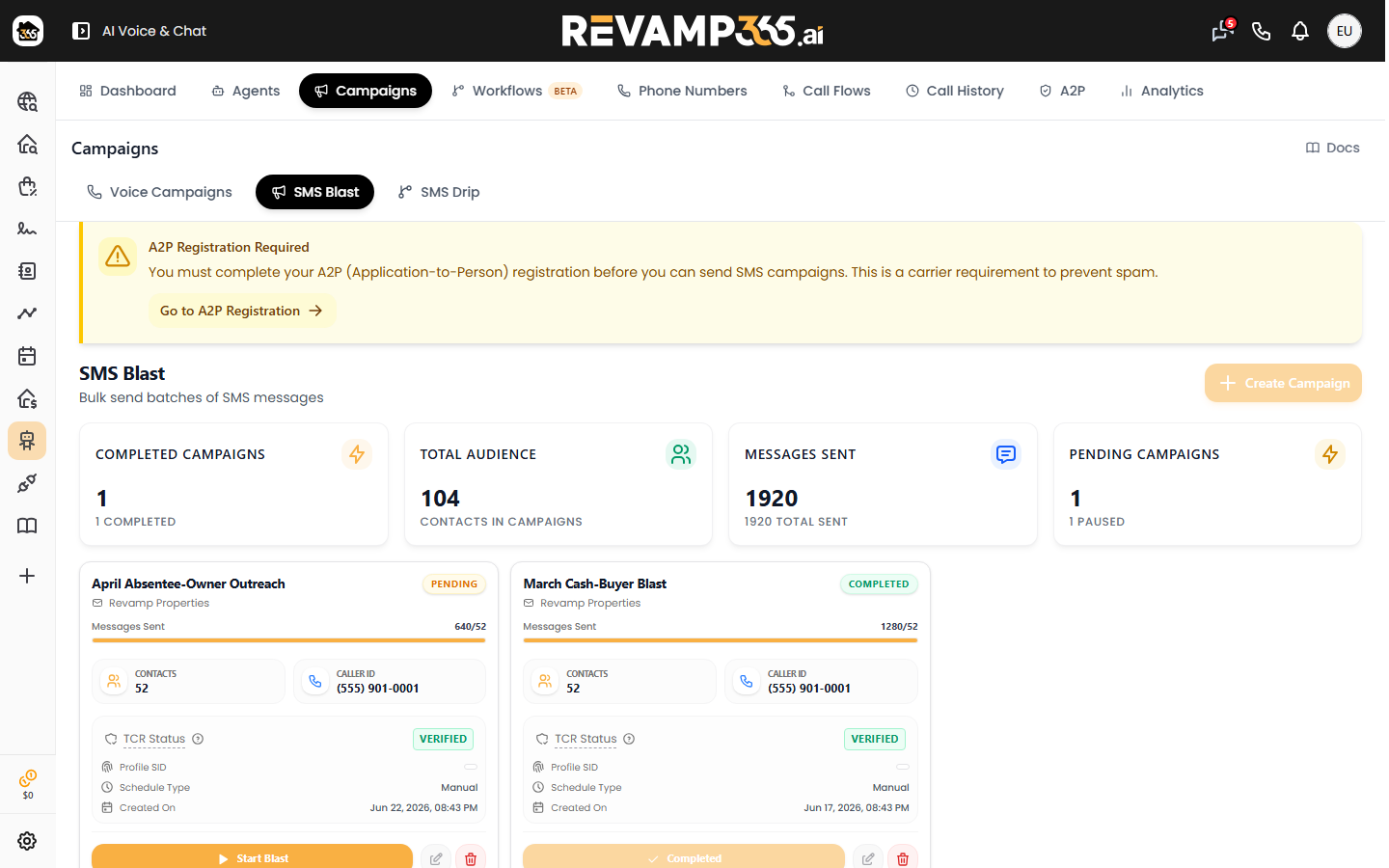
Choose Scheduled to land messages inside daytime contact hours. You must complete A2P registration before any SMS blast will send, or messages fail with carrier error 30034.
Quiet hours for automation SMS
Automated texts sent by the Send SMS automation action have a Respect quiet hours toggle (on by default, alongside Respect DNC). When enabled, any send attempt during quiet hours is blocked and the step records a sms_quiet_hours_block. The default quiet window is 9:00 PM to 8:00 AM. Leaving this on keeps drip and trigger-based texts out of late-night and early-morning hours automatically.
How these settings prevent compliance and "stuck" problems
- Calling windows and quiet hours keep outreach inside lawful contact hours instead of relying on you to start campaigns at the right moment.
- Per-number daily caps and rotation distribute volume so no single number burns its reputation.
- Out-of-window calls are rescheduled, not failed, so a paused-looking campaign is usually just waiting for its next window or a daily counter reset — not broken.
If a campaign looks frozen, confirm at least one day is enabled, the current time falls inside a window for the campaign's timezone, and your pool numbers have not all hit the daily cap. To watch progress and tell "waiting" apart from "errored," see pause, resume, and monitor a running campaign.