
Every outbound webhook Revamp365 sends is signed so your receiving endpoint can confirm the request is genuine and unaltered. Validate that signature before you act on the payload.
What Revamp365 sends
Each delivery is an HTTP POST with a JSON body and these headers:
| Header | Value |
|---|---|
X-Webhook-Signature |
HMAC-SHA256 of the raw request body, hex-encoded |
Content-Type |
application/json |
The signature is computed as HMAC-SHA256(raw_json_body, your_signing_secret). The signing secret is the per-destination value generated when you create the destination.
Find your signing secret
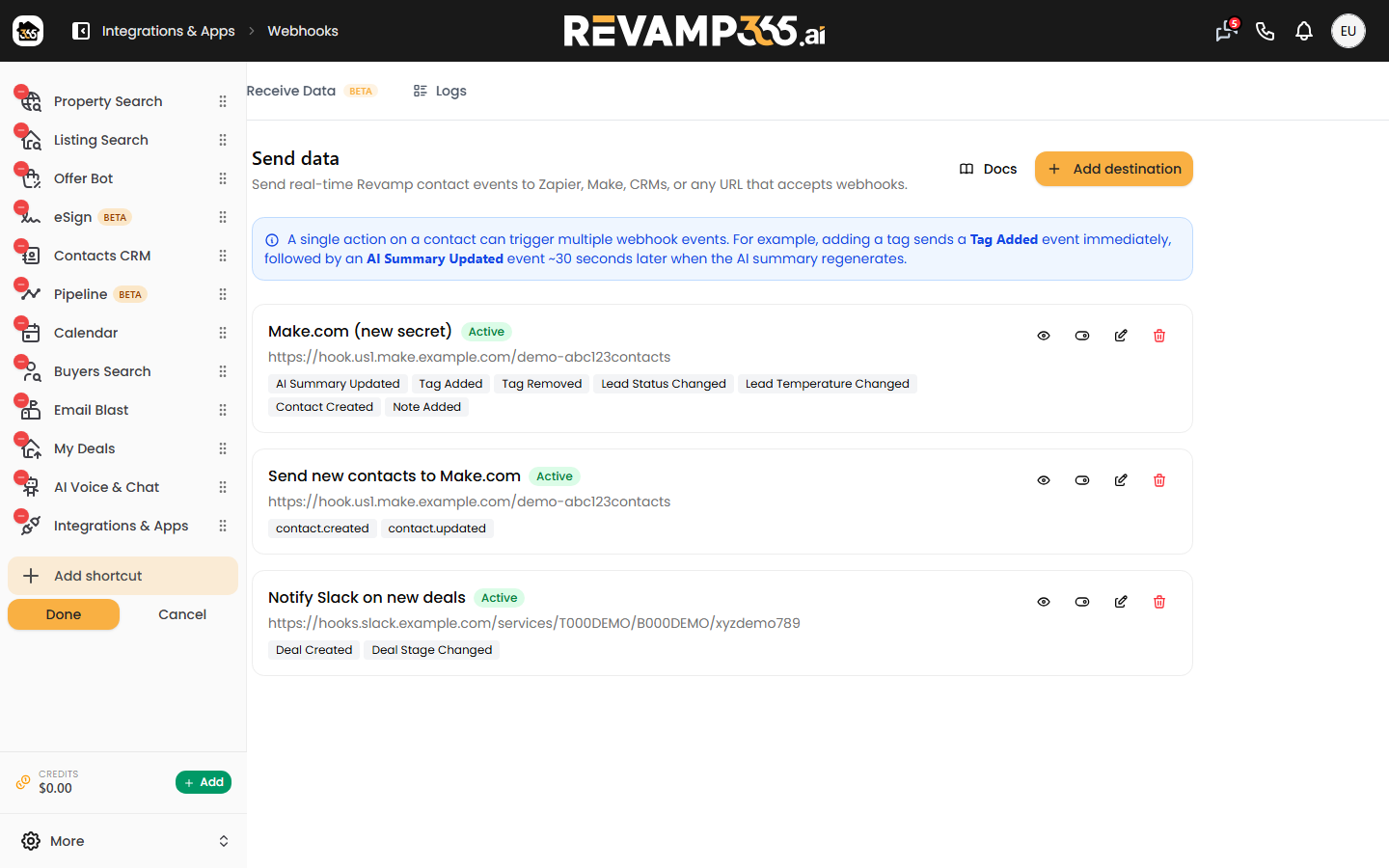
- Open Integrations & Apps, then Webhooks, and stay on the Send Data tab.
- When you first create a destination, the secret is shown once in a green panel ("Save this secret because you will need it to verify webhook signatures"). Copy it then.
- To retrieve it later, click the eye icon on the destination card to reveal it, then use the copy button.
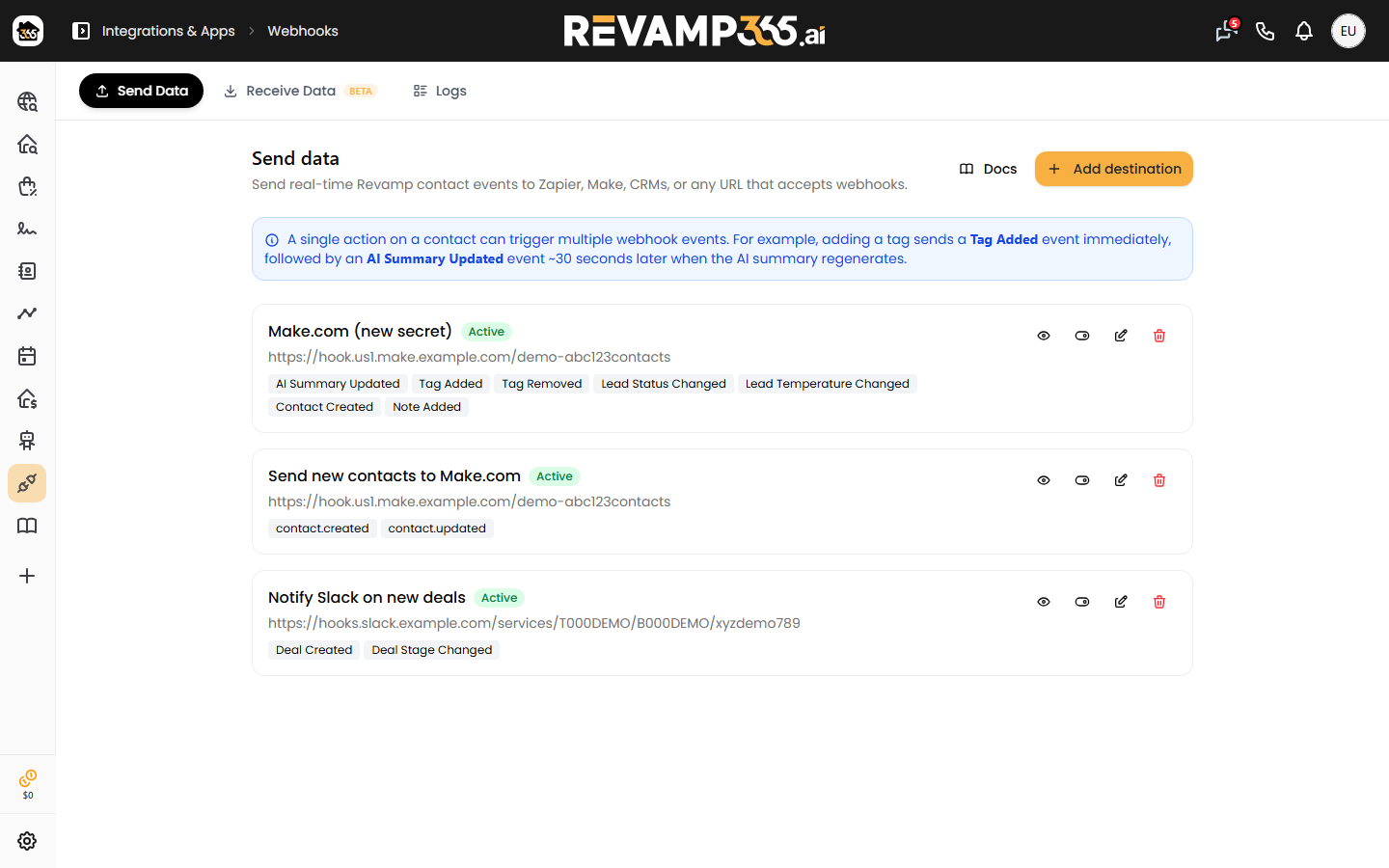
Store the secret as a server-side environment variable. Never expose it in client-side code.
Verify on your endpoint
- Read the raw request body as bytes — do not re-serialize the parsed JSON, or whitespace and key order will change the bytes and break the match.
- Compute
HMAC-SHA256over that raw body using your signing secret, hex-encoded. - Compare your result to the
X-Webhook-Signatureheader using a constant-time comparison. - If they match, process the payload. If not, reject with
401and stop.
Node.js example
const crypto = require('crypto');

function isValid(rawBody, headerSig, secret) {
  const expected = crypto
    .createHmac('sha256', secret)
    .update(rawBody, 'utf8')
    .digest('hex');
  const a = Buffer.from(expected);
  const b = Buffer.from(headerSig || '');
  return a.length === b.length && crypto.timingSafeEqual(a, b);
}
PHP example
$expected = hash_hmac('sha256', $rawBody, $secret);
$valid = hash_equals($expected, $_SERVER['HTTP_X_WEBHOOK_SIGNATURE'] ?? '');
Key behaviors to plan for
- Use a constant-time compare (
crypto.timingSafeEqual,hash_equals) rather than===, to avoid timing attacks. - One delivery attempt. A failed delivery is not retried automatically. If your endpoint is down or rejects the request, re-send it manually from the Logs tab.
- 15-second timeout. Respond with a
2xxstatus quickly; do heavy work after you have replied. - Rotating the secret changes the signature immediately. Deploy the new secret to your endpoint at the same time you rotate it. See rotate the outbound webhook signing secret.
If verification keeps failing, the usual cause is hashing the parsed-and-re-serialized JSON instead of the raw bytes. Log both your computed hex digest and the received header side by side to spot the difference.