
Make.com (formerly Integromat) can push leads into your Revamp365 Contacts CRM by POSTing JSON to a per-source webhook URL. Each scenario sends one lead, Revamp deduplicates it, and a new or merged contact appears within seconds.
Create an inbound lead source
- Open Integrations & Apps → Webhooks.
- Click the Receive Data tab (marked BETA), then New source.
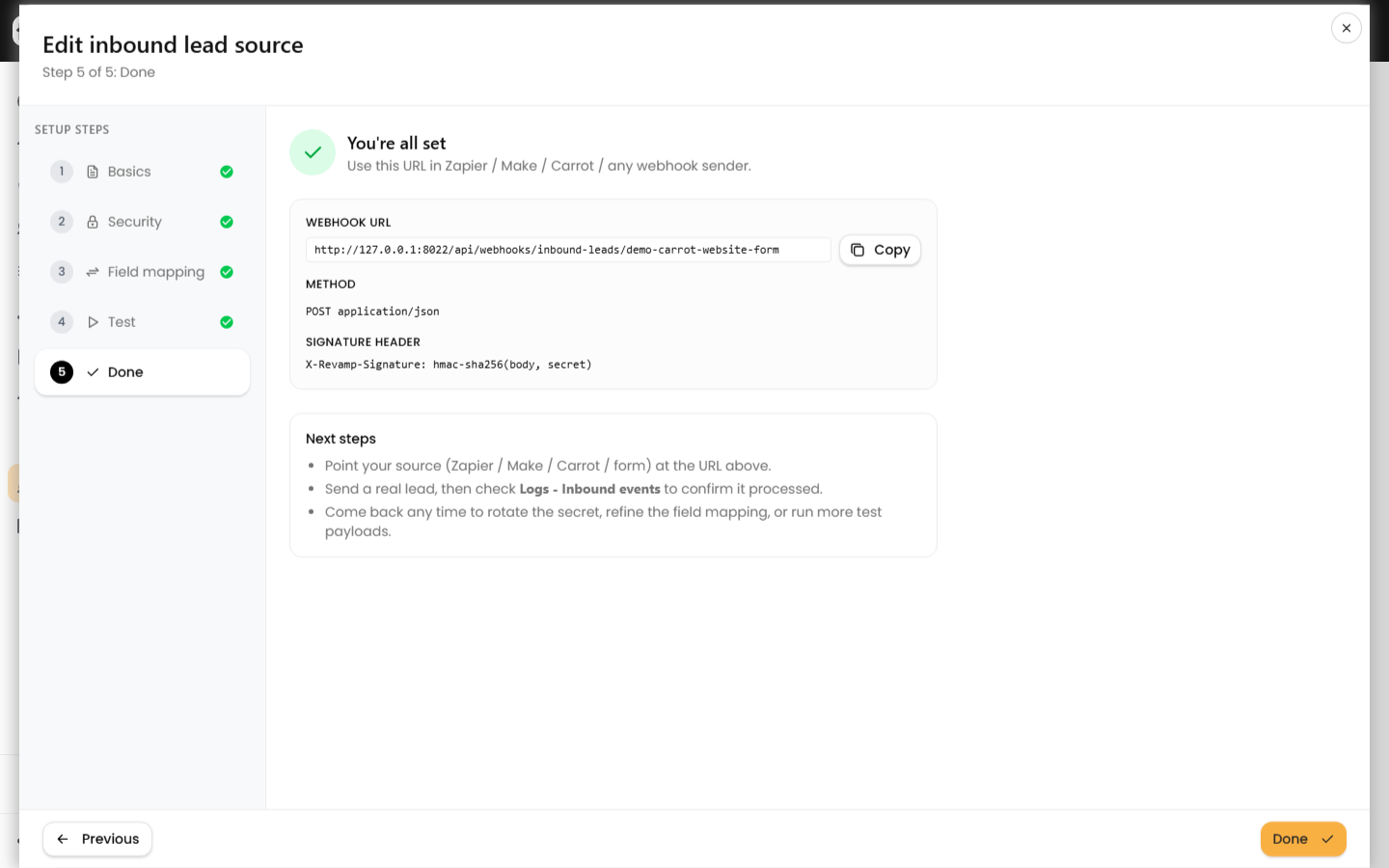
- Work through the 5-step wizard:
- Basics — name the source (e.g. Make — Facebook Leads), optionally set a Default lead source and Default tags.
- Security — optional HMAC signing (see below).
- Field mapping — skip unless your payload uses unusual key names.
- Test — paste sample JSON and confirm the preview.
- Done — copy the Webhook URL. It looks like
https://revamp365.ai/api/webhooks/inbound-leads/YOUR_TOKEN.
Build the Make scenario
After your trigger module, add the HTTP → Make a request module and configure it:
| Setting | Value |
|---|---|
| URL | Your Revamp webhook URL |
| Method | POST |
| Body type | Raw |
| Content type | JSON (application/json) |
In Request content, map your trigger output into a JSON body. You must send an email or a phone:
{
  "first_name": "{{1.first_name}}",
  "last_name": "{{1.last_name}}",
  "email": "{{1.email}}",
  "phone": "{{1.phone}}",
  "property_address": "{{1.address}}",
  "lead_source": "Make"
}
Run the scenario once. A success returns HTTP 202 with {"success": true, "event_id": 123}. The lead processes asynchronously, and lead_status is set to NEW on new contacts.
Optional: sign requests with HMAC
Make supports custom headers, so you can require a signature. On the Security step, check Require an HMAC signature and save — the secret is generated automatically and shown once. Then add a header to the HTTP module:
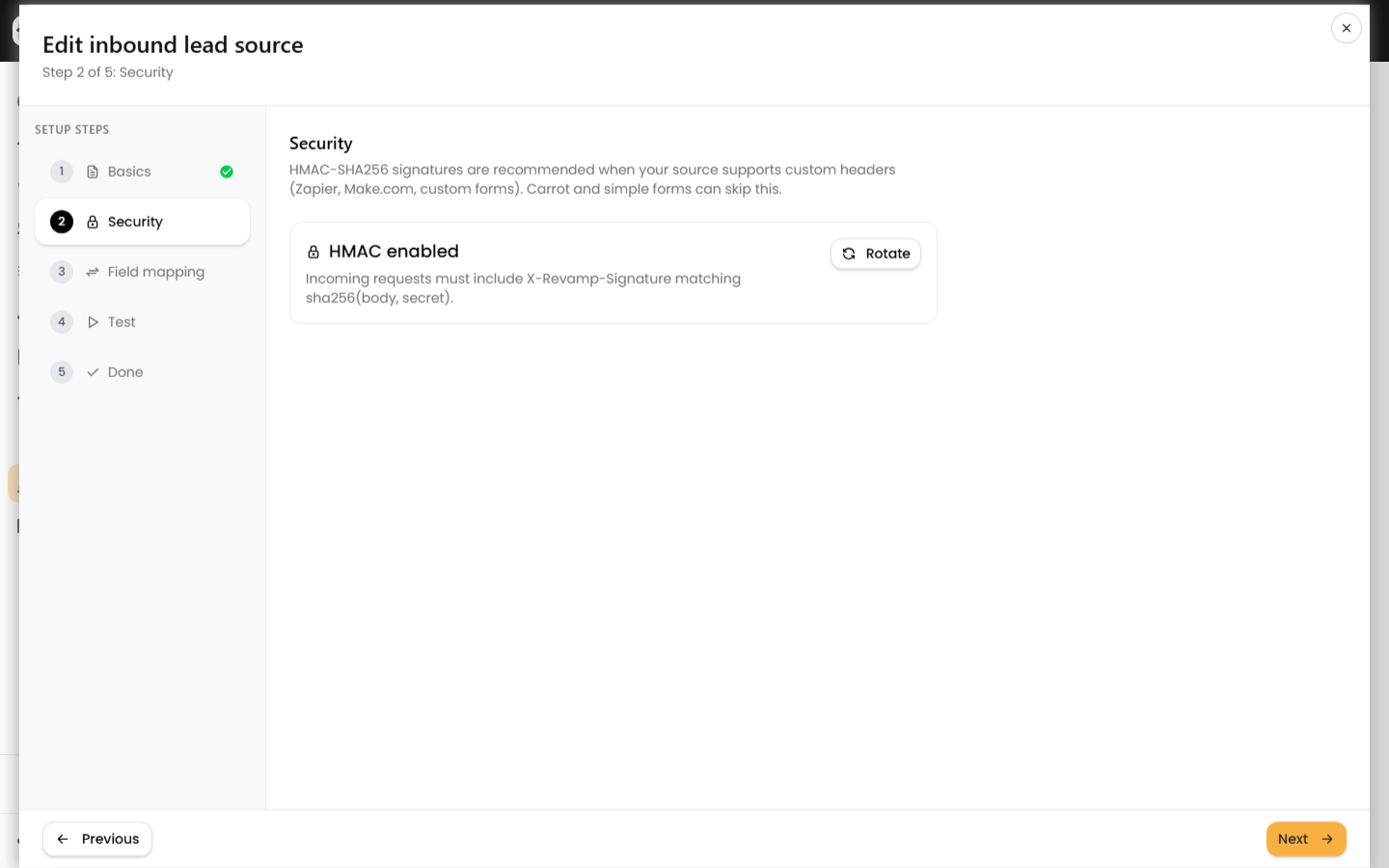
X-Revamp-Signature: <hex hmac_sha256 of the raw body using your secret>
Send the bare hex digest with no sha256= prefix. A missing or wrong signature returns 404. For the full signing recipe, see secure inbound lead webhooks with HMAC.
Test and monitor
- Use the wizard's Test step before going live. It is a dry run — nothing is written — and the Preview tab shows whether a contact would be created or merged.
- After real traffic flows, open Webhooks → Logs and choose Inbound events to see each POST, its status, and the linked contact.
Limits and common errors
| Response | Cause |
|---|---|
400 |
Malformed JSON, or no email/phone after normalization |
404 |
Wrong token, inactive source, or bad HMAC signature |
413 |
Body over 128 KB |
415 |
Content-Type is not JSON |
429 |
More than 200 requests per minute to one source |
Identical payloads to the same source within 24 hours are deduplicated and return the same event_id, so re-running a scenario will not create duplicate contacts.